
Enscape for Revit – Basics to Advanced Course
Material Includes
- Families and Texture used in this course.
- Complete Project File
- 50 Revit Project files for Practice (bonus)
Target Audience
- Architecture Professionals,
- Undergraduate architecture students,
- Graduate-level architectural design students,
- Interior designers,
- Landscape architects,
- 3D visualization artists,
- Building information modeling (BIM) experts,
Requirements
- As such basics of Revit Architecture is all what the students required to know
₹2,200.00
-
LevelAll Levels
-
Duration3 hours 10 minutes
-
Last UpdatedDecember 23, 2025
-
CertificateCertificate of completion
Hi, Welcome back!
Course Gallery: From Basic Revit Models to Photorealistic Renders Using Enscape

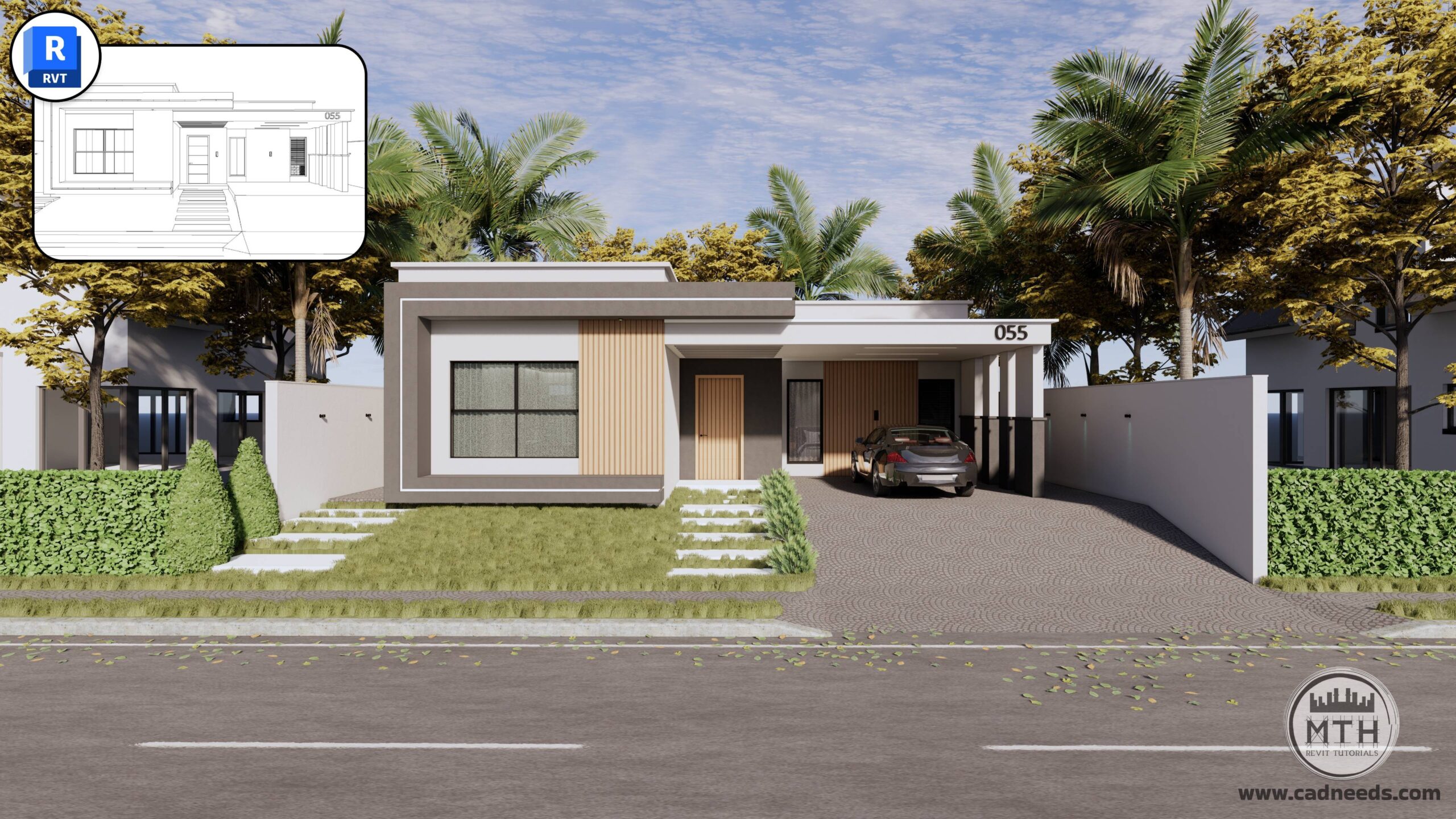
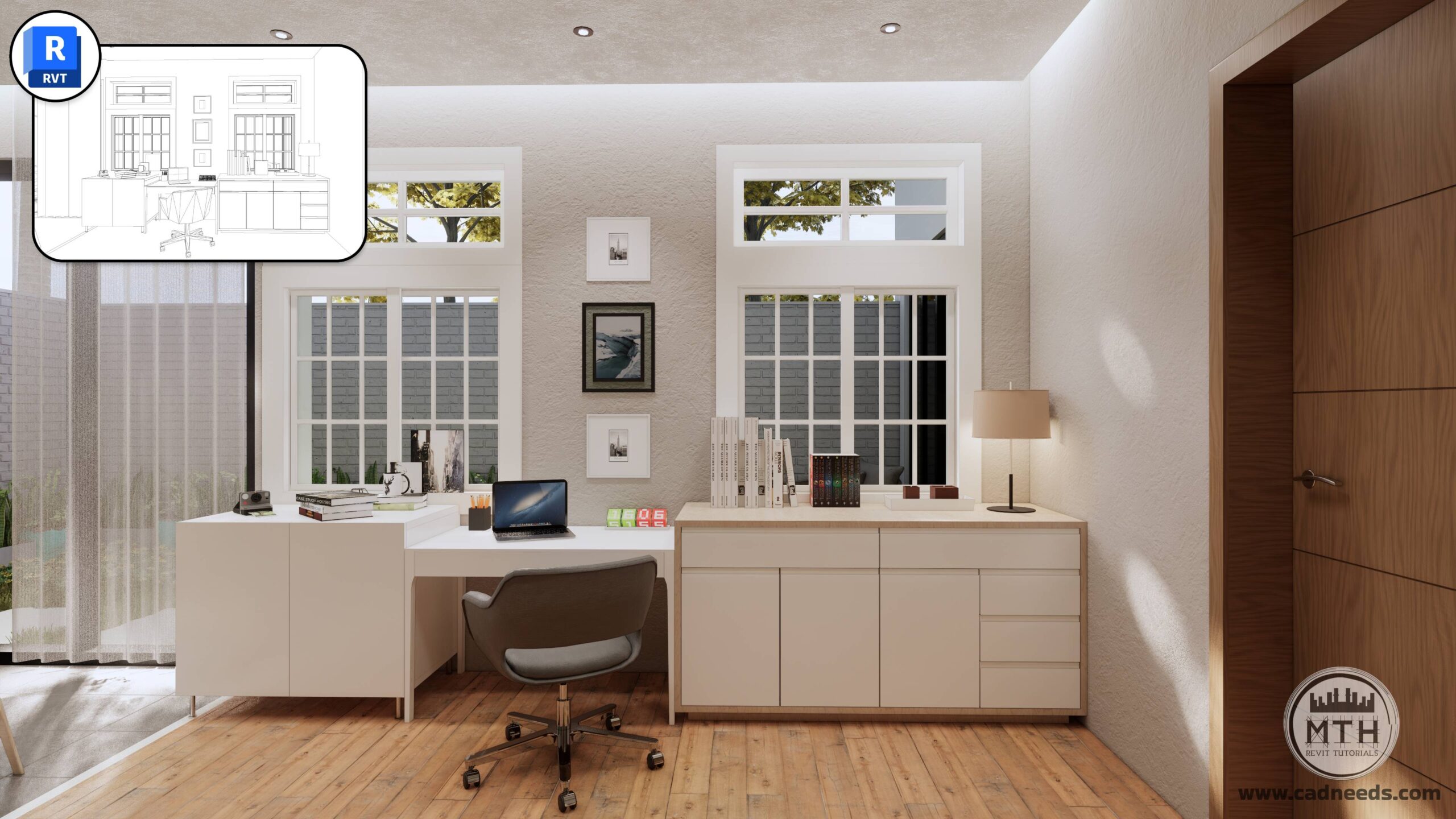
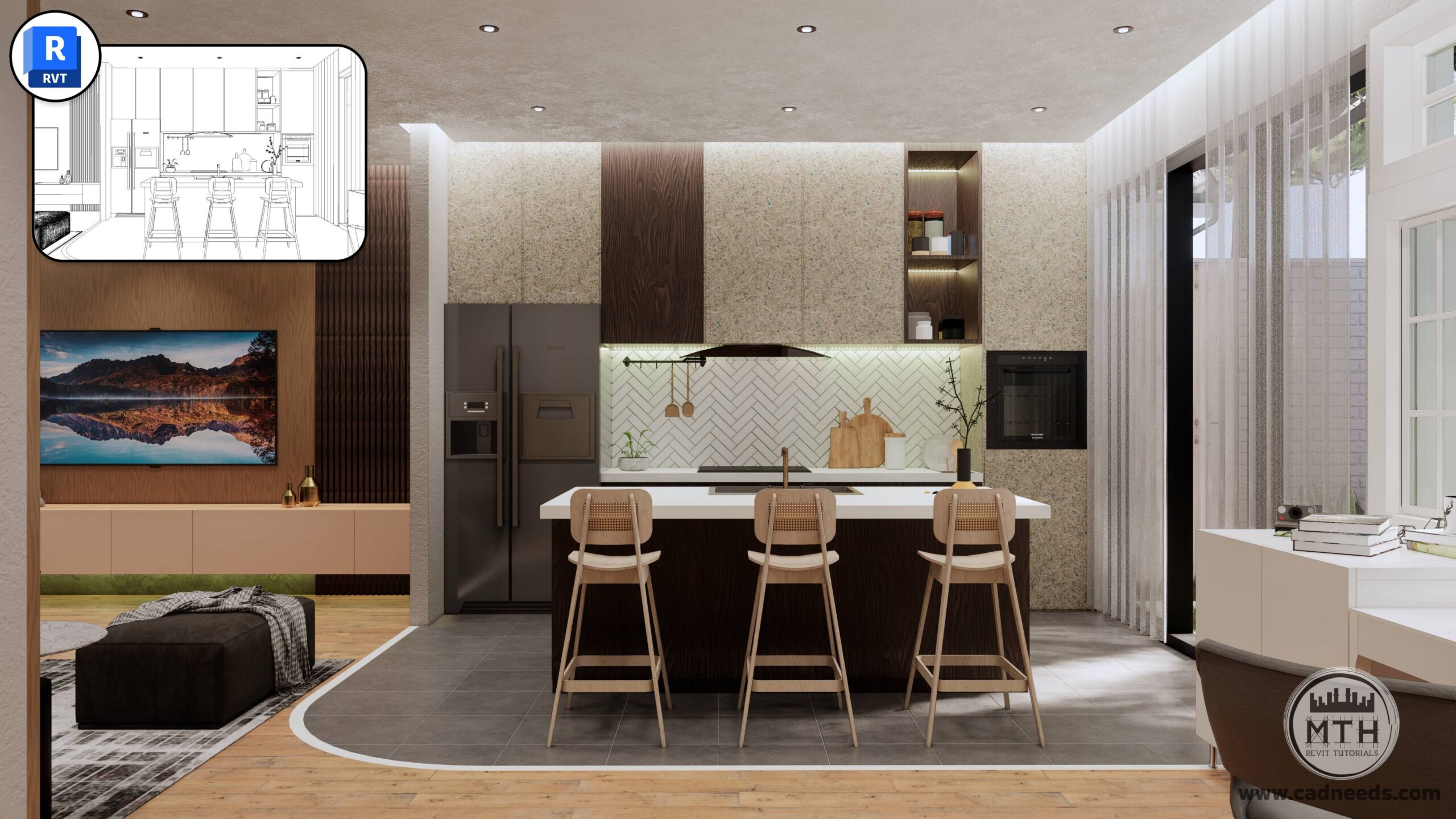
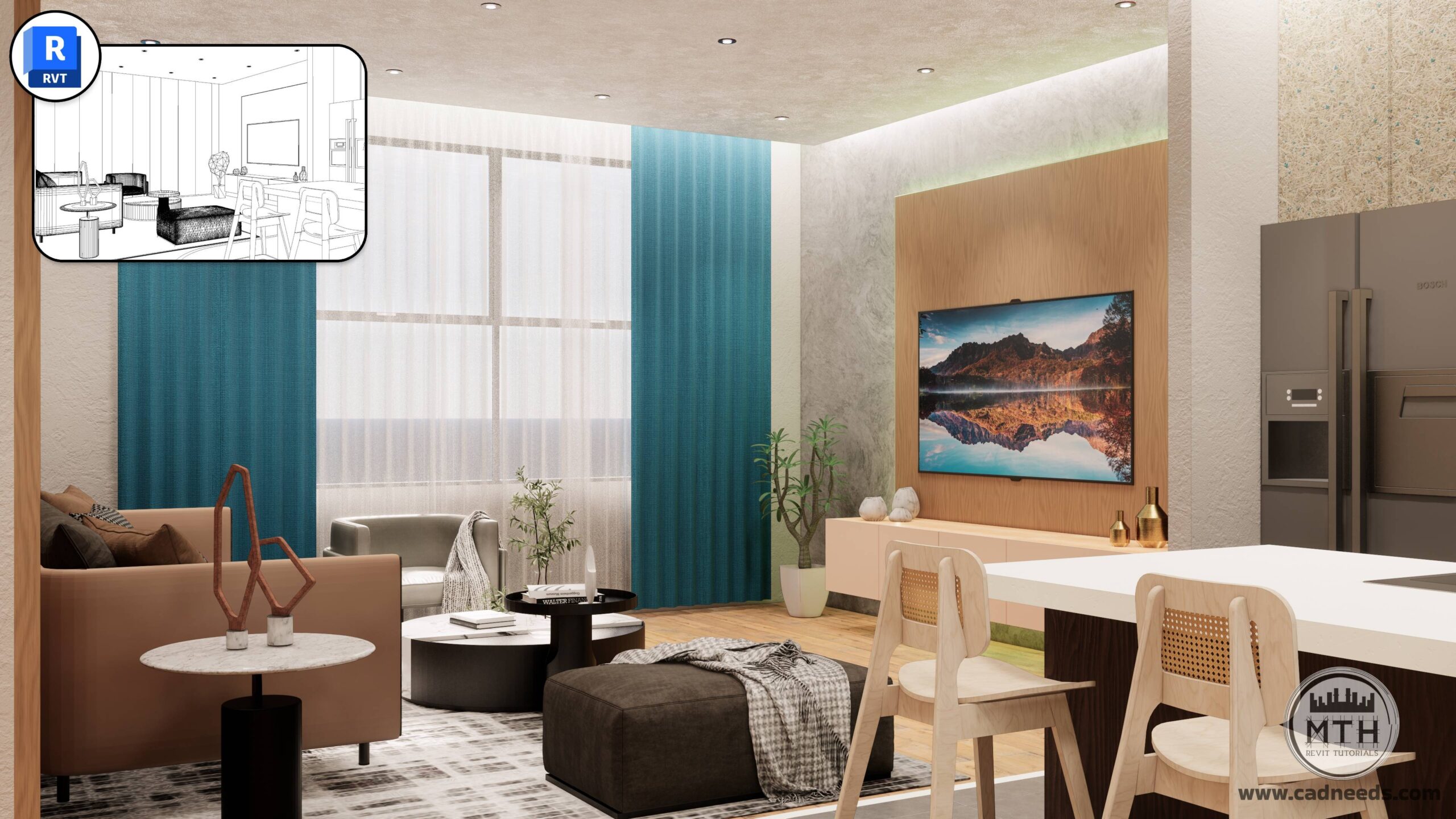
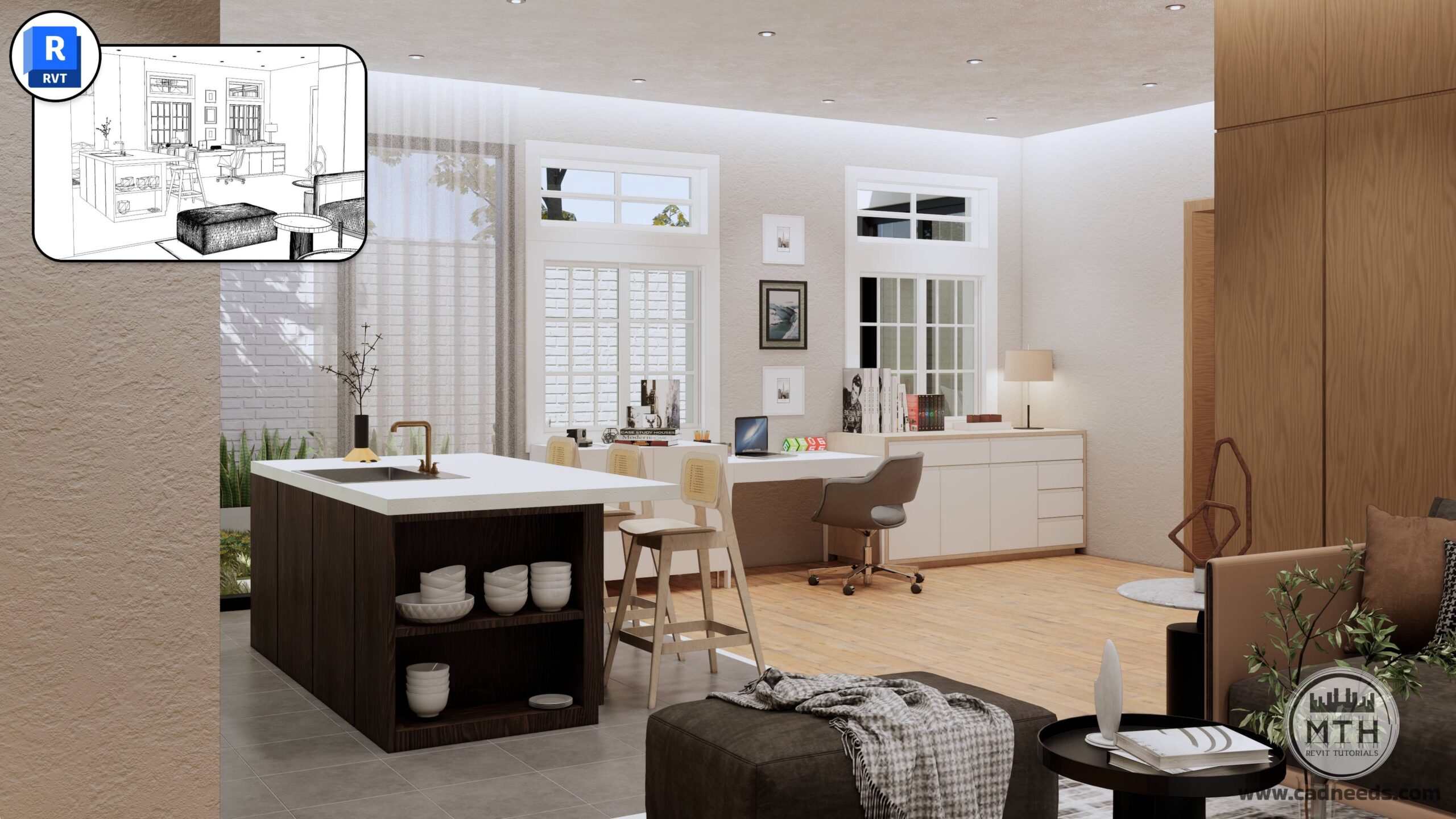
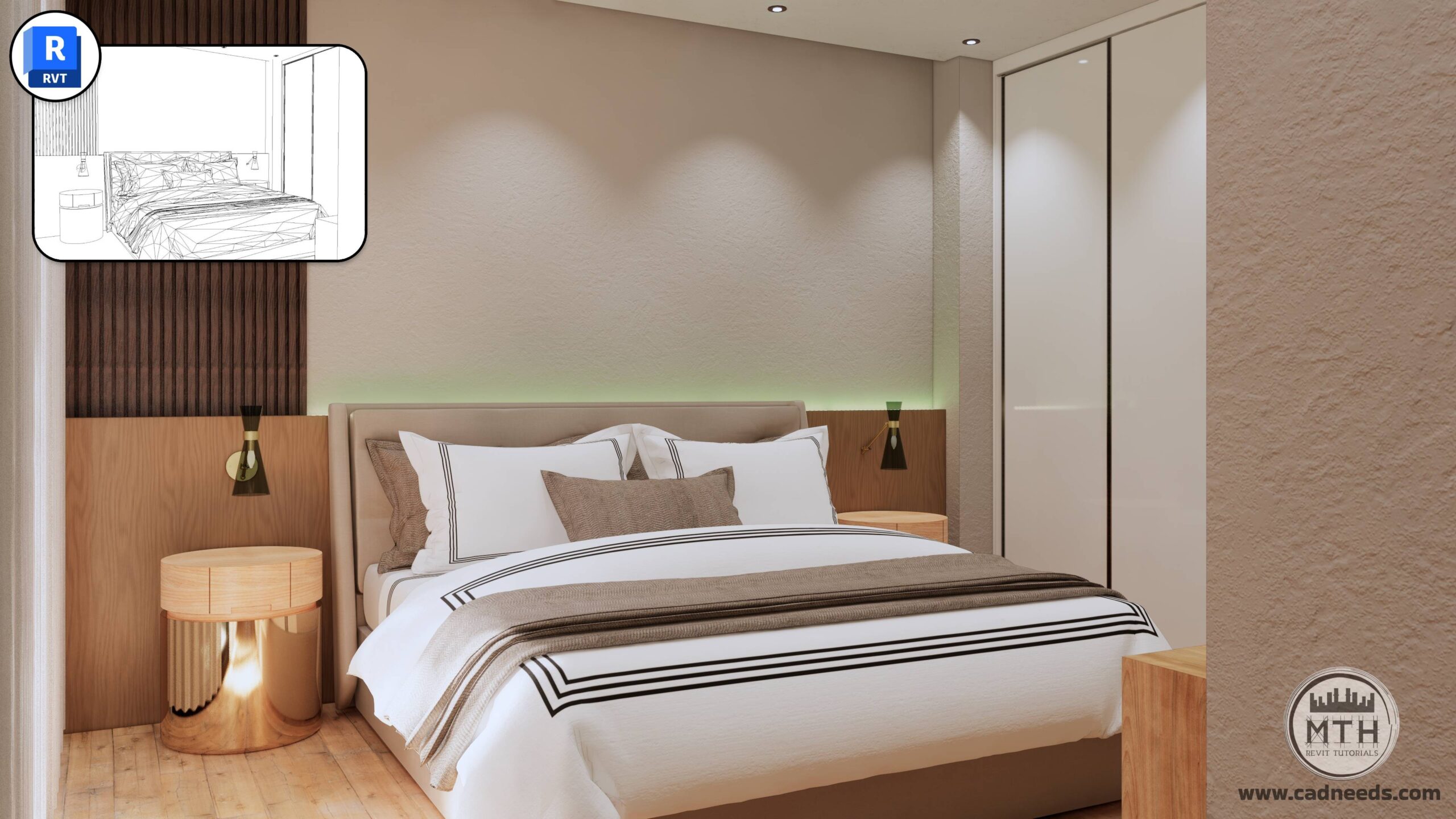
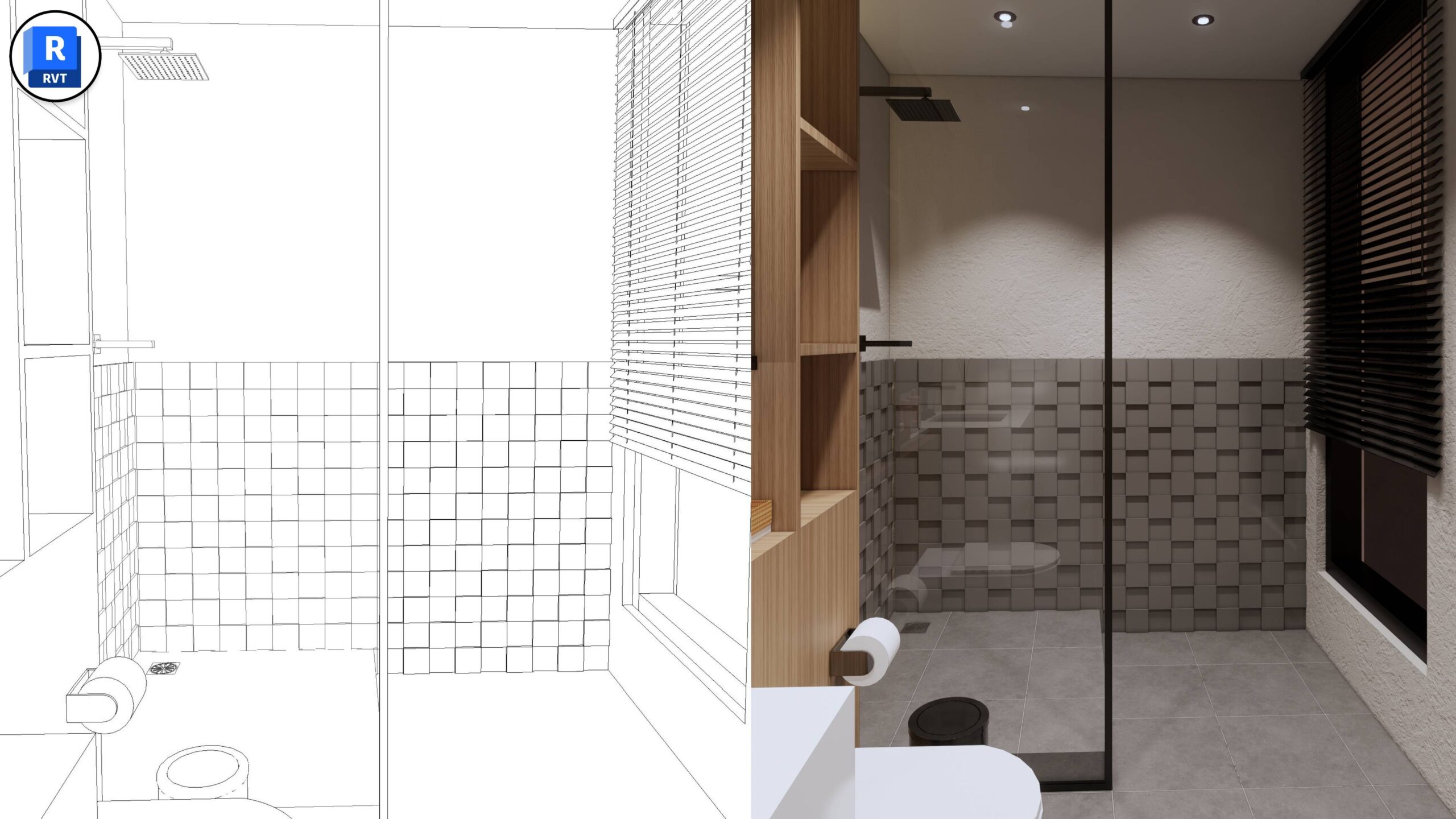
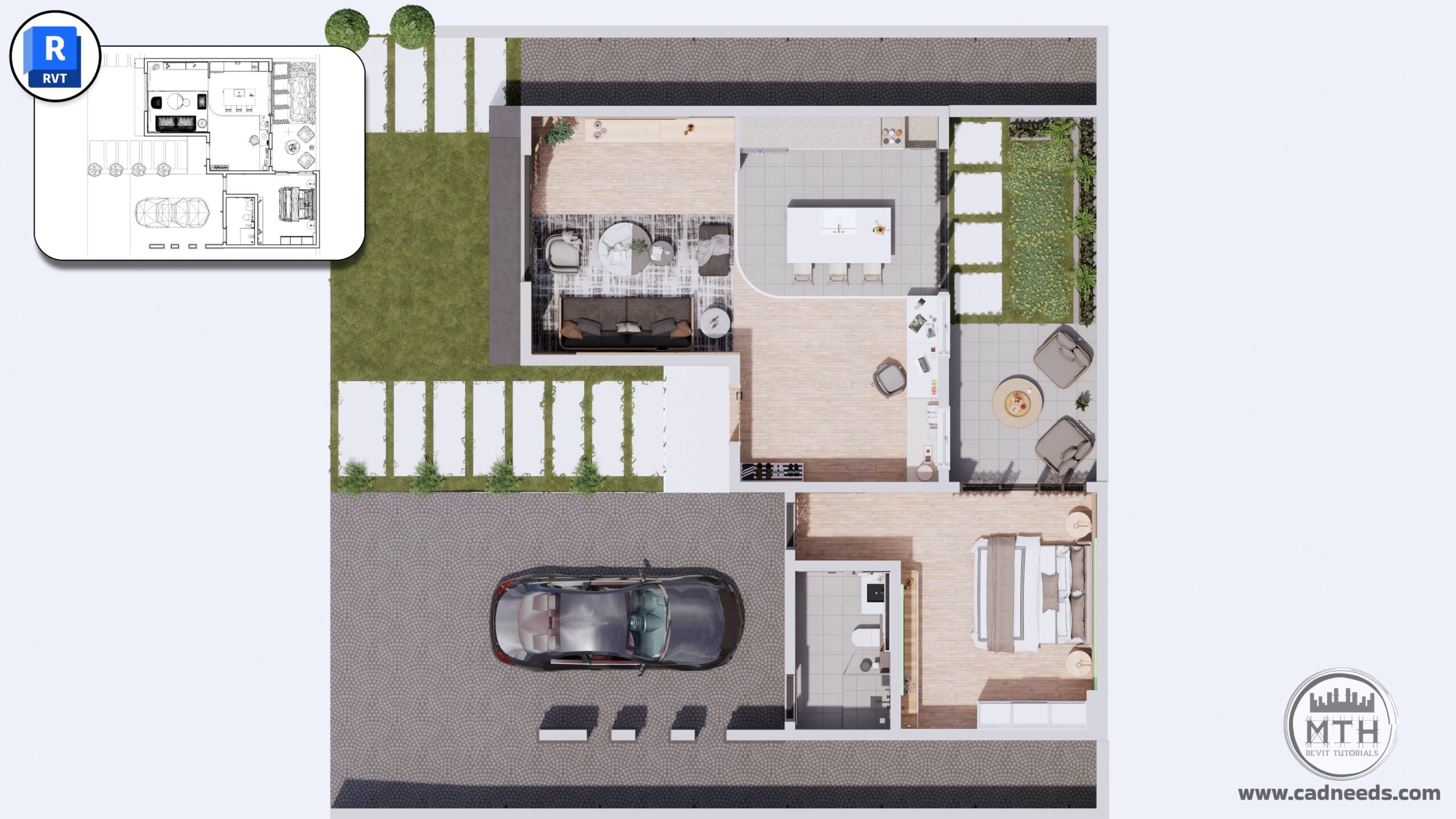
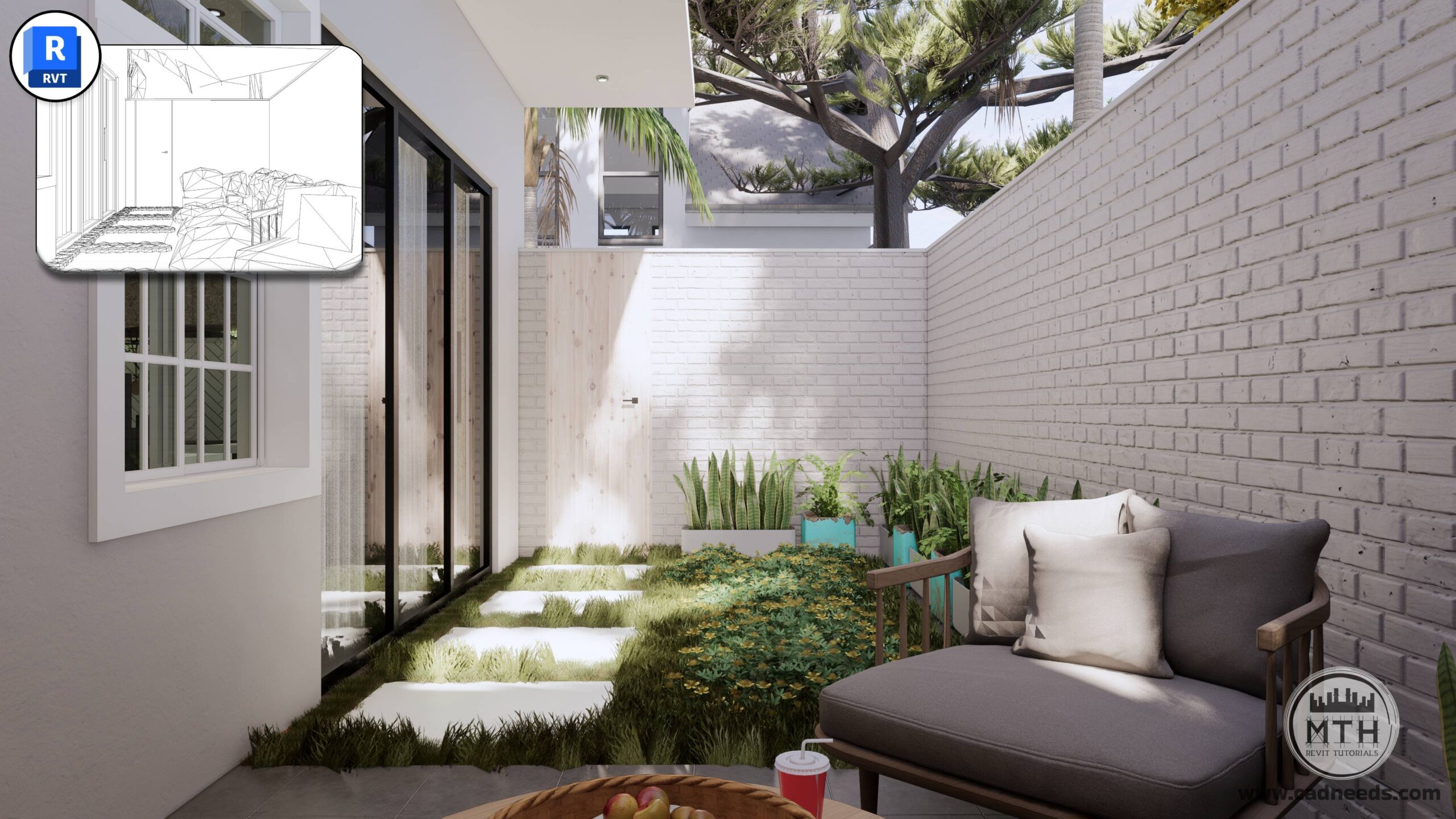
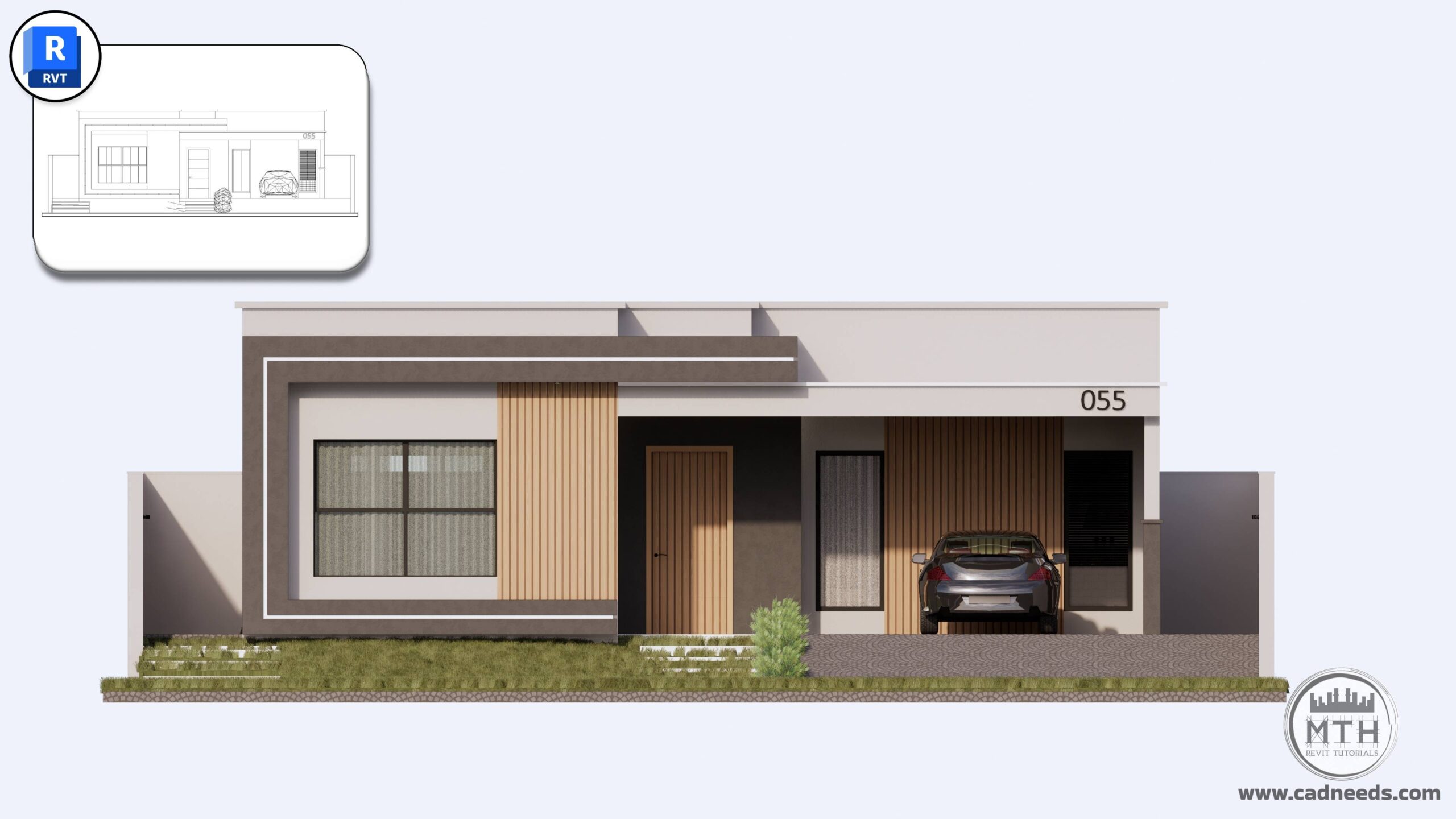
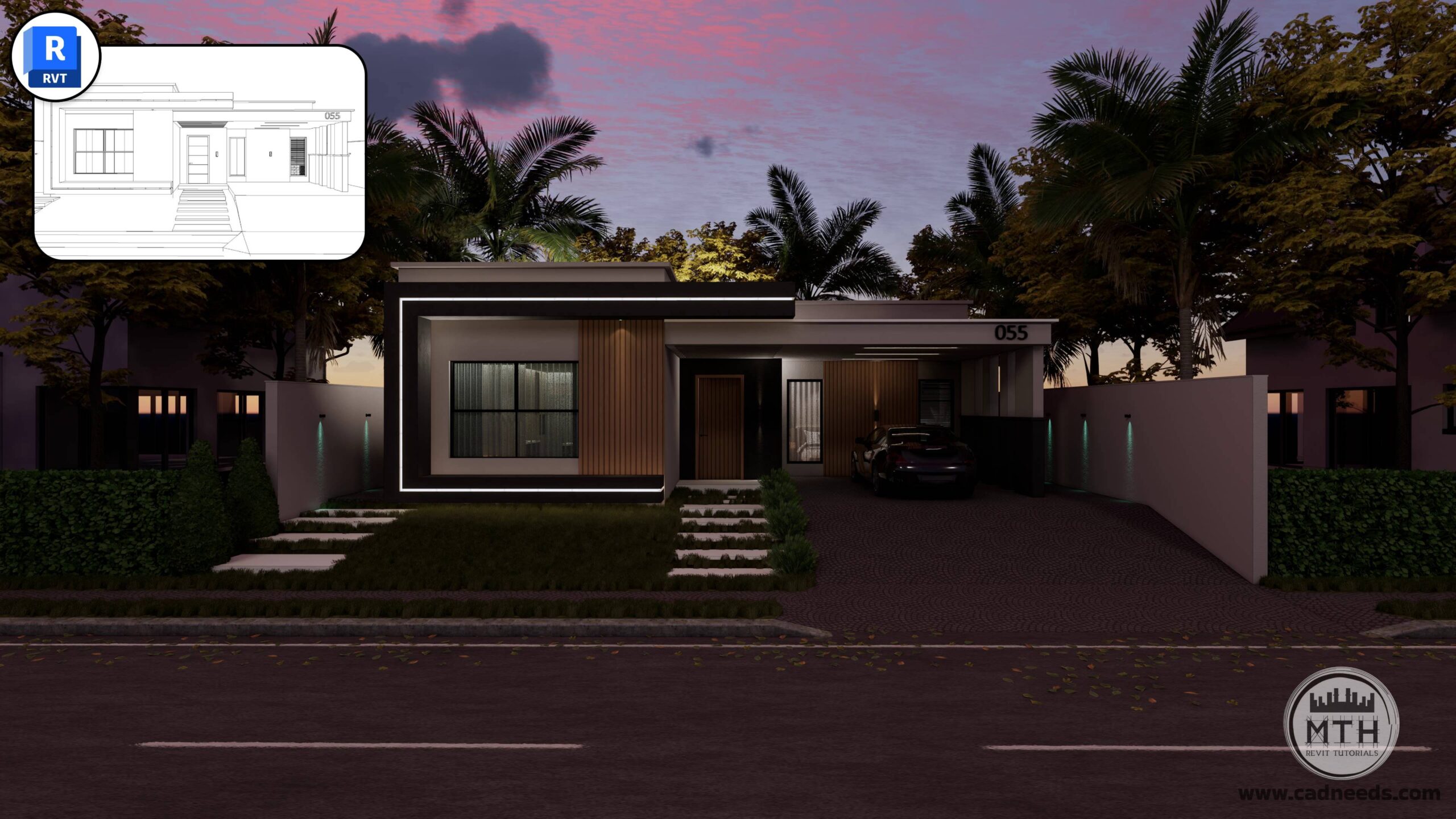
Enscape Advanced Rendering
Create beautiful, realistic renderings with a complete step-by-step learning path.
46 Lessons | 3 Hours
You Will Learn
How to set up, light, and render professional-quality images
How to create clean, photorealistic scenes—even if you’re a beginner
Professional Rendering Workflows in Revit Using Enscape
Generating Interactive 360-Degree Architectural Renders
Animating your Designs with Enscape for Revit
Controlling Sound and Audio in Enscape Animations
Enhance Enscape Render Settings for Top-Quality Results
Render images with a realistic presentation using Enscape
Please note that this course focuses exclusively on the rendering, animation, and visualization process within Enscape.
Revit modeling is not taught in this course.
A pre-built Revit model is provided in the course resources so you can follow along and start rendering immediately.
About Instructor

Architectural Designer, BIM Manager, Revit Instructor
I created www.learnrevitonline.com to share my knowledge with both beginner and advanced Revit and Enscape3D users. Throughout my journey, I have discovered numerous hacks and tricks that have significantly enhanced my workflow in Revit, and I am eager to pass them on to you. By implementing these tips and tricks, you will not only improve your efficiency but also save valuable time.
I also manage a YouTube channel called MTH REVIT TUTORIALS, where I regularly upload free Revit tutorials, providing further opportunities for individuals to enhance their skills and expand their understanding of this powerful software.
What I will learn?
- Professional Rendering Workflows in Revit Using Enscape
- Generating Interactive 360-Degree Architectural Renders
- Animating your Designs with Enscape for Revit
- Controlling Sound and Audio in Enscape Animations
- Enhance Enscape Render Settings for Top-Quality Results
- Render images with a realistic presentation using Enscape
Course Curriculum
Basics Module 1: Software Setup and Interface
-
01 Enscape Installation: Seamless Revit Plugin Integration
01:06 -
02 Enscape Ribbon in Revit Overview
04:12 -
03 Exploring Enscape Window Interface
02:02 -
04 Visual Settings and Rendering Basics
11:31 -
05: Exploring Tools in Enscape – Window & Watermark Tips and Tricks
04:02
Basics Module 2: Camera and Rendering Fundamentals
-
06 Camera Setup and Rendering Techniques
07:13
Basics Module 3: Asset Management and Placement
-
07 Asset Placement: Single and Multiple Asset Strategies
05:48 -
08 Adjustable Assets: Customizing and Positioning Elements
02:02
Basics Module 4: Environment and Context
-
09 Importing Site Context
02:51
Basics Module 5: Video Editor
-
10 Video Editor: How to Create Animations & Time Lapse Video
05:26 -
11 Video Editor Features: Focal Point and Field of View
03:09
Basics Module 6: Exporting Renderings
-
12 Batch Rendering
05:36 -
13 Creating and Managing Panoramas
05:36 -
14 Exporting VR Scenes
00:48 -
15 Exporting Standalone Project Files
03:35
Basics Module 7: More Enscape Features
-
16: Implementing Audio in Architectural Animations
03:31 -
17: Alternative Asset Placement Method
01:51 -
18: Creating Custom Assets
12:01 -
19: Enscape Asset Linking to Revit Family
03:14 -
20: In-Depth Material Editor Fundamentals Explained
12:29
Advanced Module 1: Mastering Advanced Enscape Workflows.
-
21: Advanced Section – Course Files Overview
05:25
Advanced Module 2: Techniques for Realistic Textures
-
22 – Realistic Curtain Textures 01
02:51 -
23 – Realistic Curtain Textures 02
01:41 -
24 – PBR – Realistic Road Texture
05:20 -
25 – Creating Video Screens in Enscape
07:31
Advanced Module 3: Lighting Workflows
-
26: LED Strip Light TV Unit and Under Cabinets
07:40 -
27: Hidden Ceiling Lights
06:02 -
28: Exterior LED Strip & Customizing LED Color
05:42 -
29: Using IES Light Effects in Enscape
07:49
Advanced Module 4: Audio Files
-
30: Adding Multiple Sound Source for Rendering Animations
03:39
Advanced Module 5: Setting Camera Views for Rendering
-
32: Setting Camera Views in Revit
01:46 -
33: Exterior Scene Setup: Camera Composition and Visual Settings
04:25 -
34: Six Interior Scenes Setup: Camera and Lighting Presets
08:37 -
35: Creating Camera Views in Small Areas
04:12 -
36: Backyard Scenes Setup: Camera and Lighting Presets
02:57 -
37: Quick Tip about Presets
01:21 -
38: 2D and 3D Floor Plan Rendering
06:40 -
39: 2D Elevation Renderings
02:26 -
40: Exporting Renderings
02:10
Advanced Module 6: Mastering Night Scenes
-
41: Exterior Night Rendering
09:11 -
42: Interior Night Rendering
08:10
Advanced Module 7: Creating Cinematic Walkthroughs and Interactive Panoramas
-
42: Mastering Interior-Exterior Animation Workflow
07:49 -
43: Creating Top View Cinematic Animations
01:37 -
44: Publishing Web & Mobile 360° Tours using the Enscape Cloud
06:08 -
45: Finalizing and Exporting Cinematic Videos: Settings & Formats
02:33 -
46: Merging and Editing Multiple Animation Clips
07:14