
Categories
Enscape Courses
Enscape for Revit – Basics to Advanced Course
Material Includes
- Families and Texture used in this course.
- Complete Project File
- 50 Revit Project files for Practice (bonus)
Target Audience
- Architecture Professionals,
- Undergraduate architecture students,
- Graduate-level architectural design students,
- Interior designers,
- Landscape architects,
- 3D visualization artists,
- Building information modeling (BIM) experts,
Requirements
- As such basics of Revit Architecture is all what the students required to know
₹1,400.00
₹2,200.00
- LevelAll Levels
- Duration3 hours10 minutes
- Last UpdatedAugust 27, 2026
- CertificateCertificate of completion
Hi, Welcome back!
Course Gallery: From Basic Revit Models to Photorealistic Renders Using Enscape

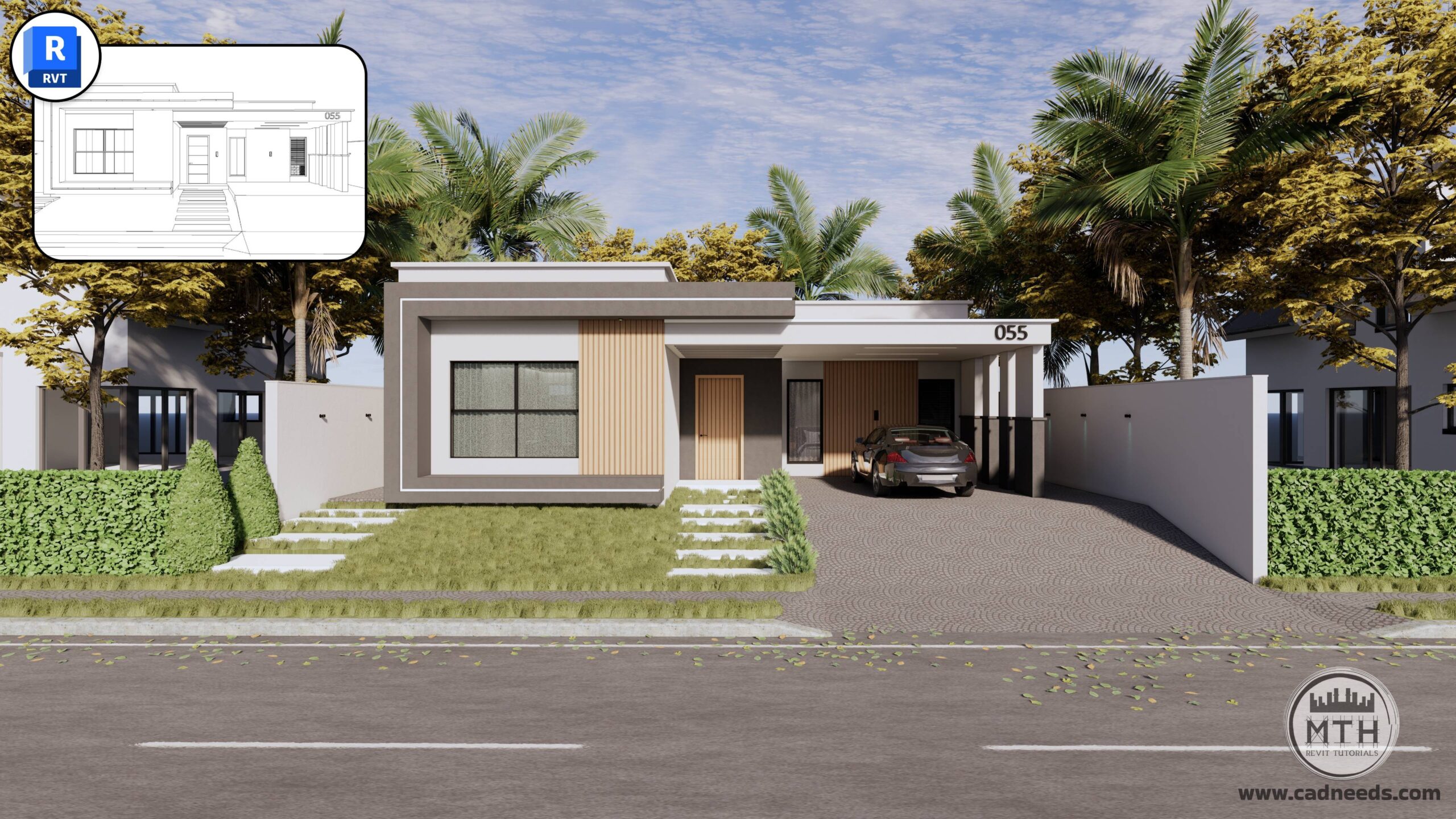
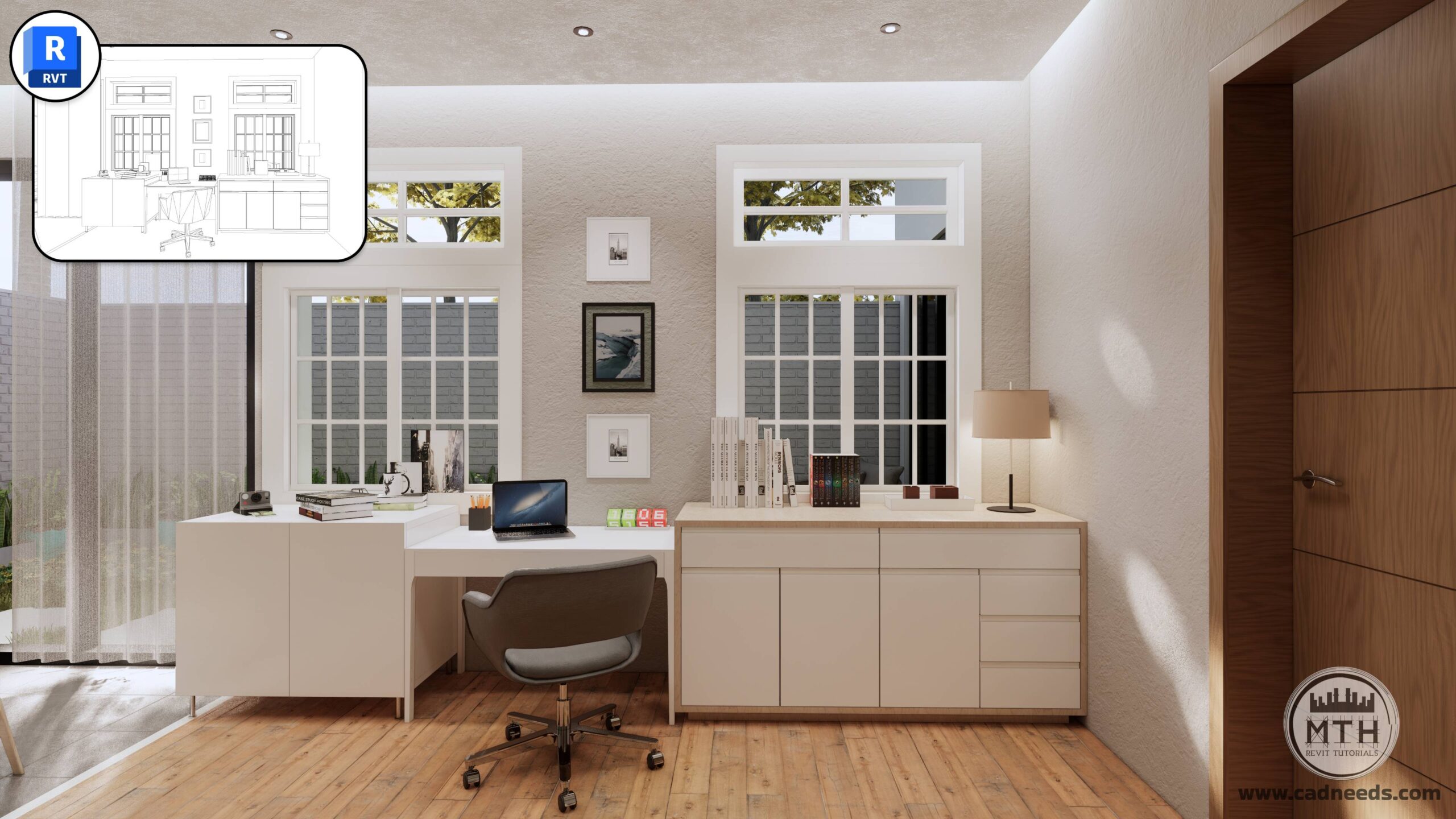
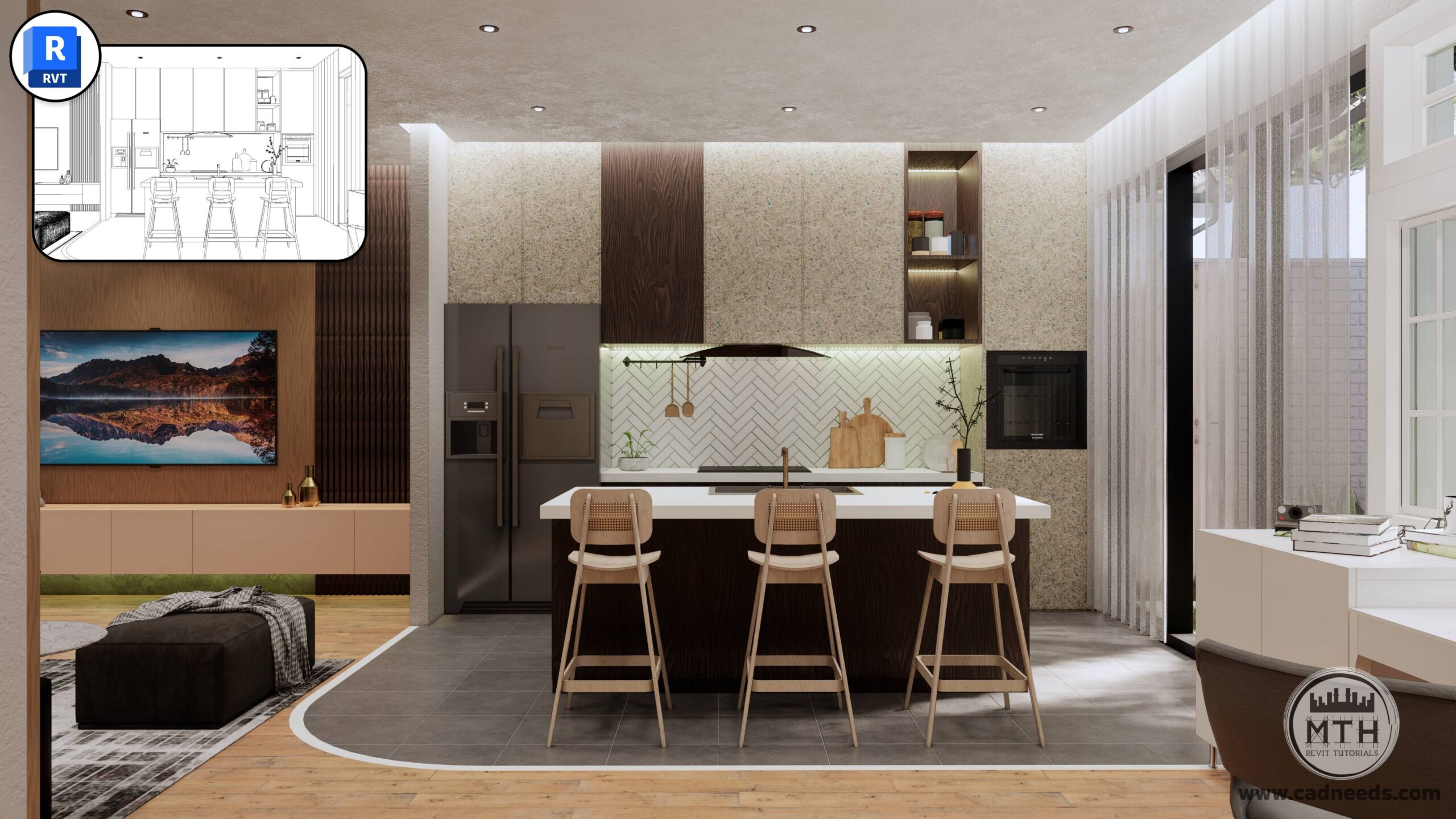
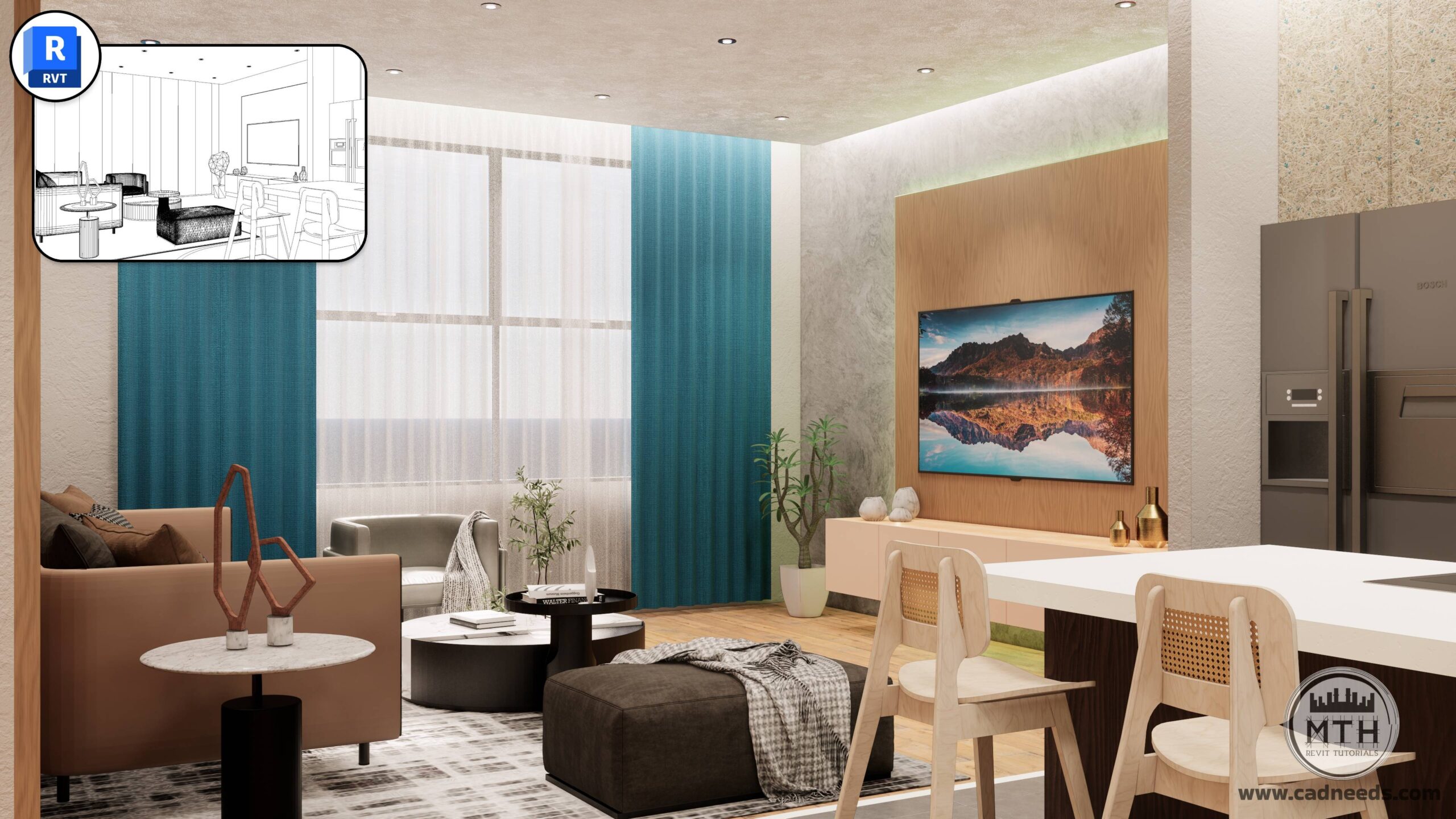
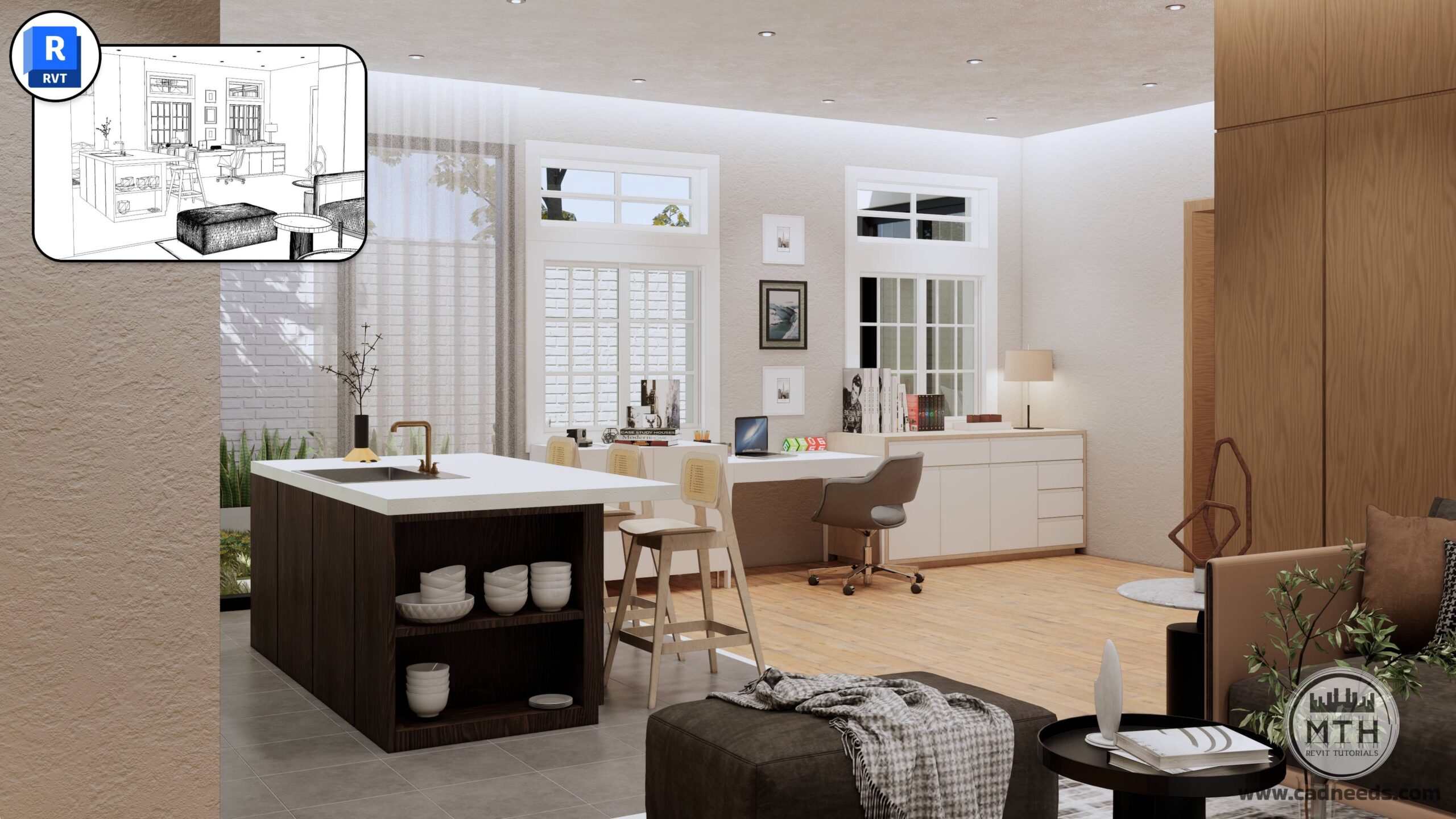
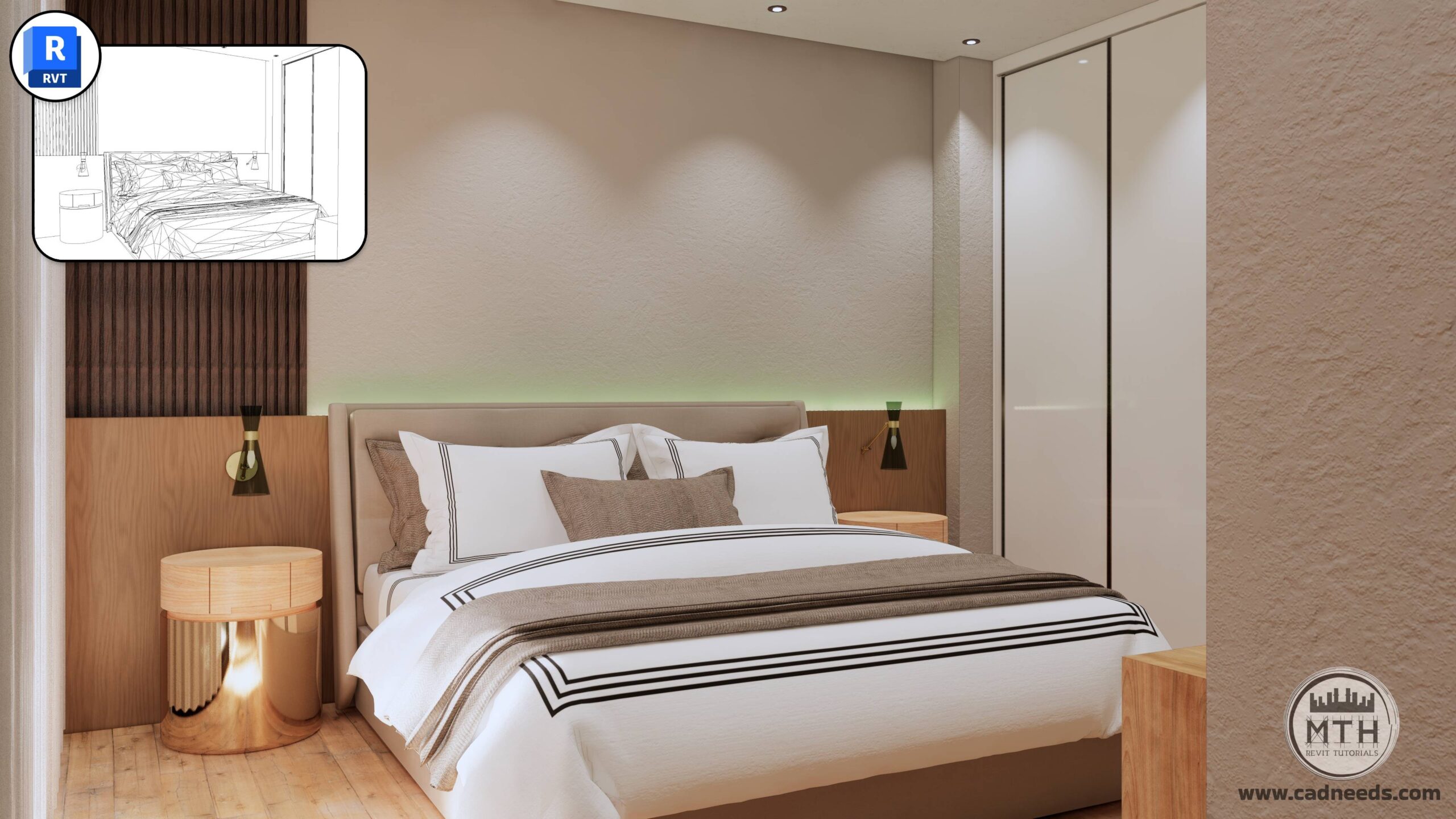
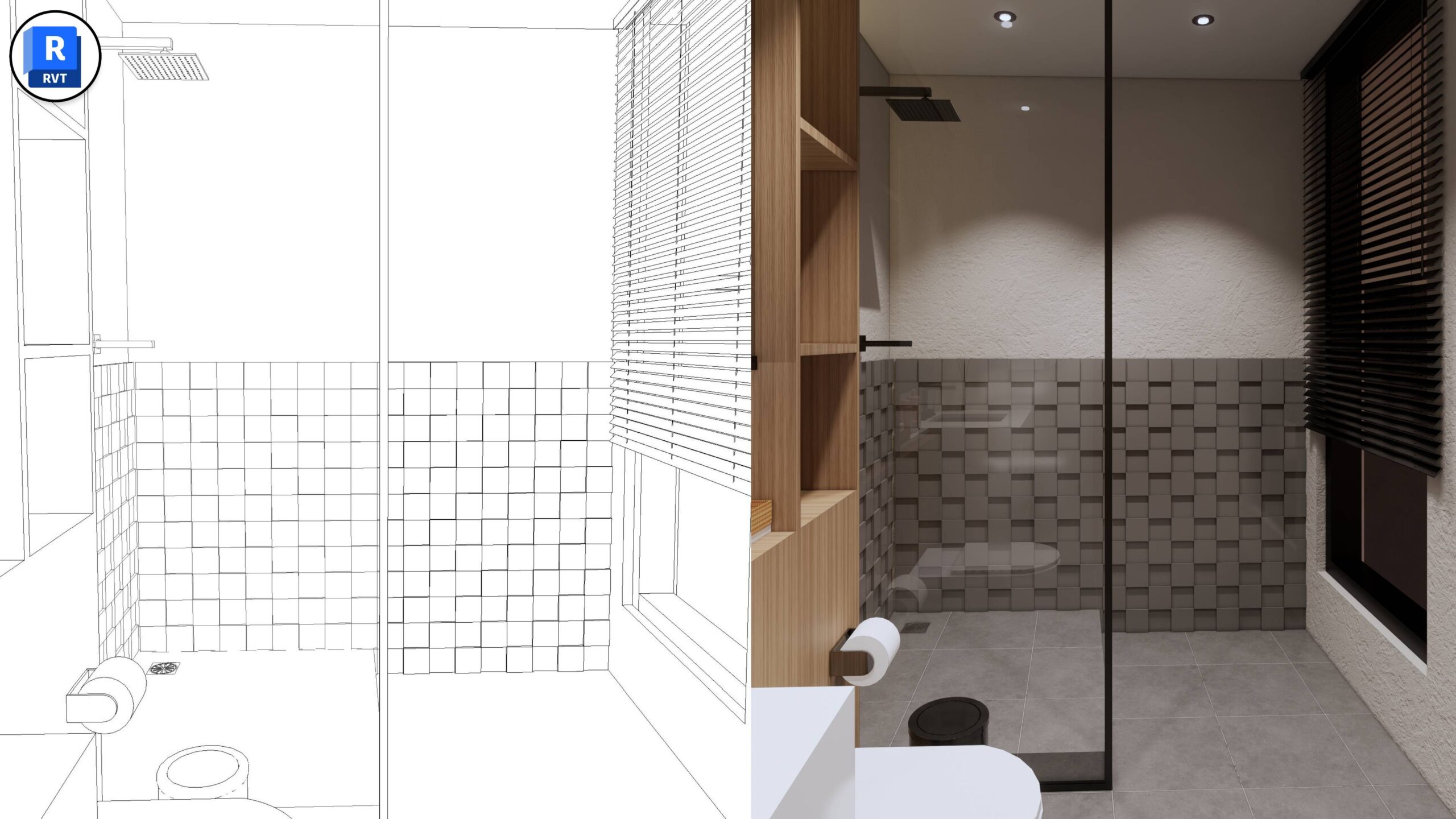
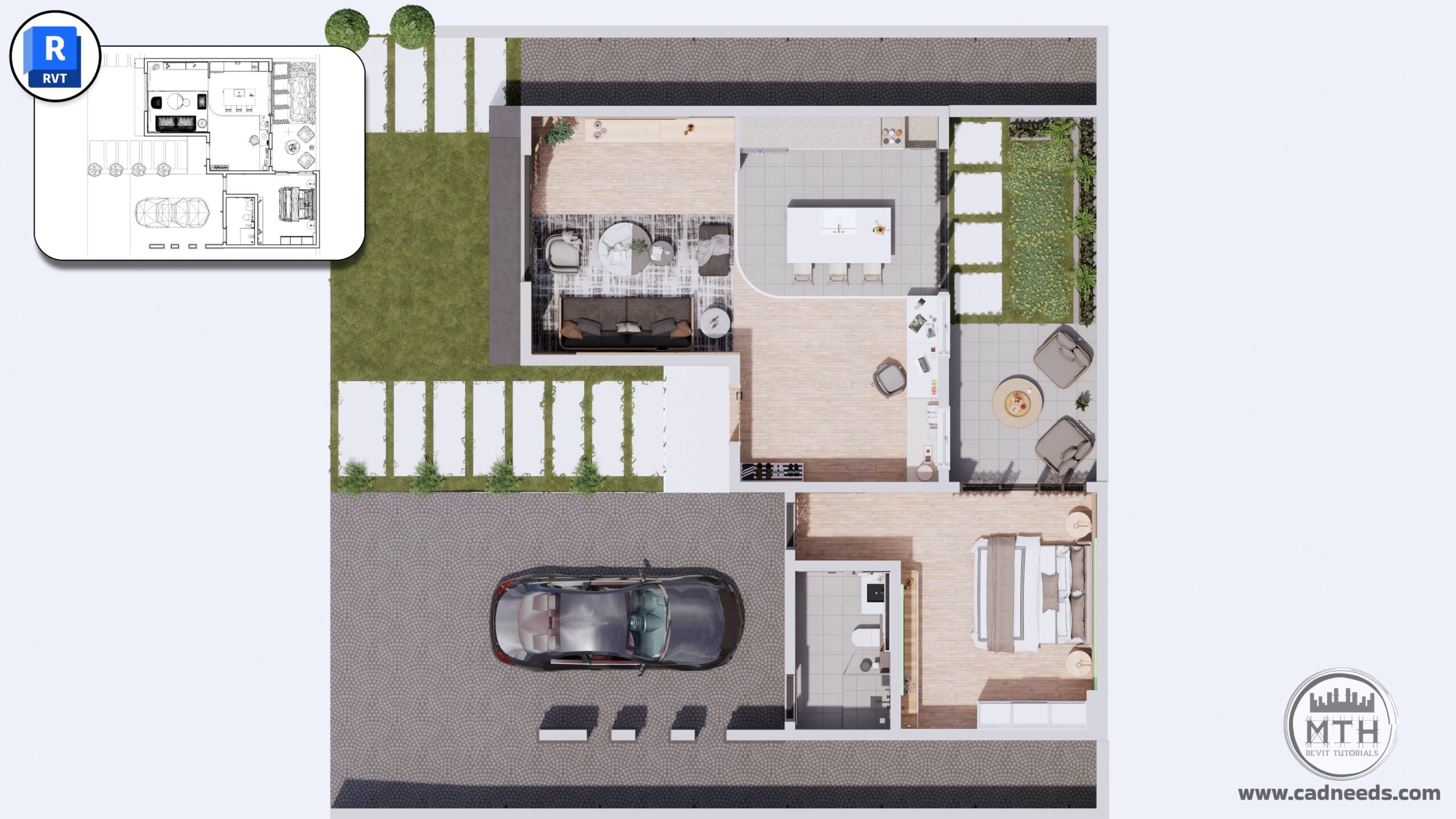
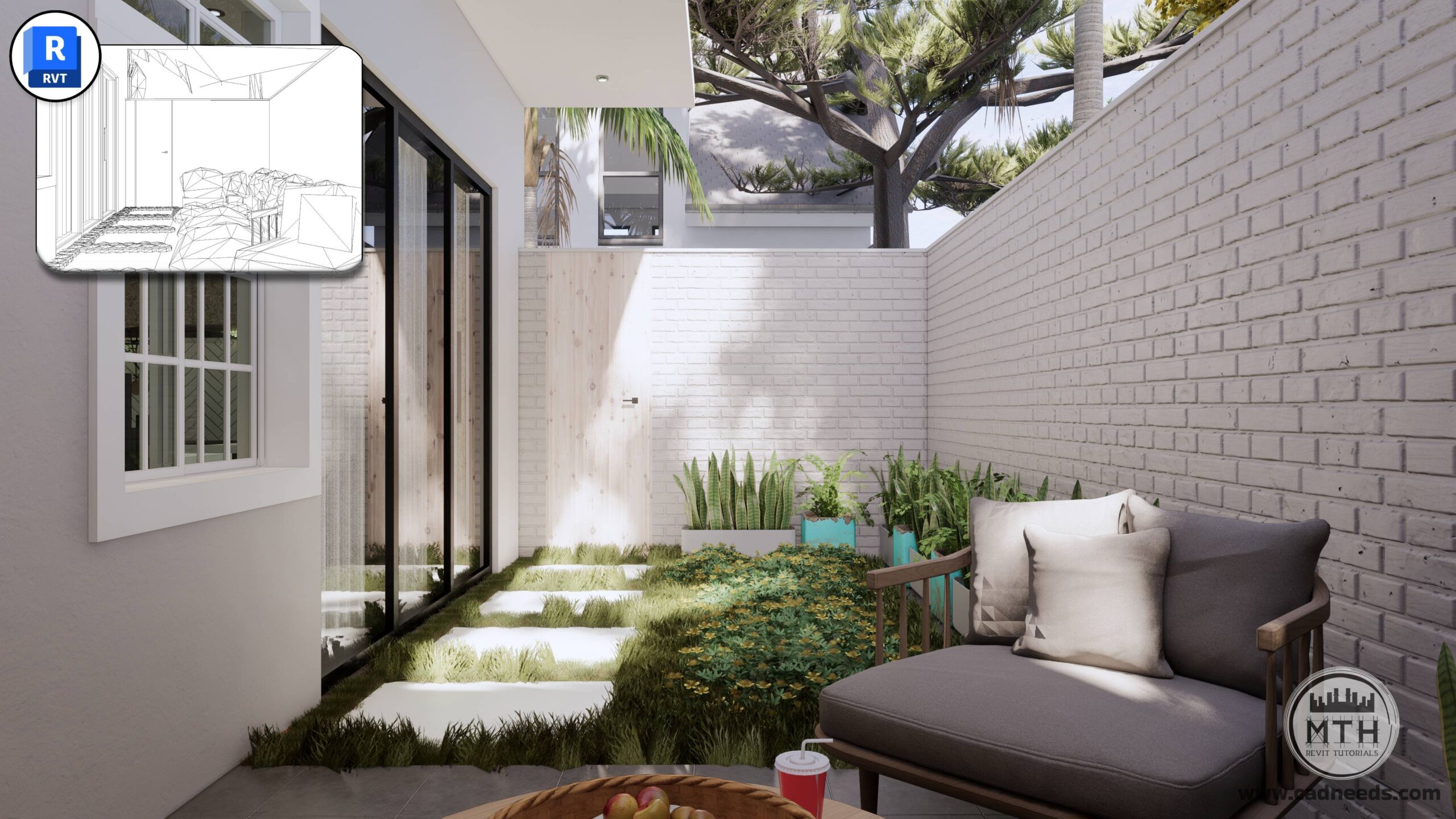
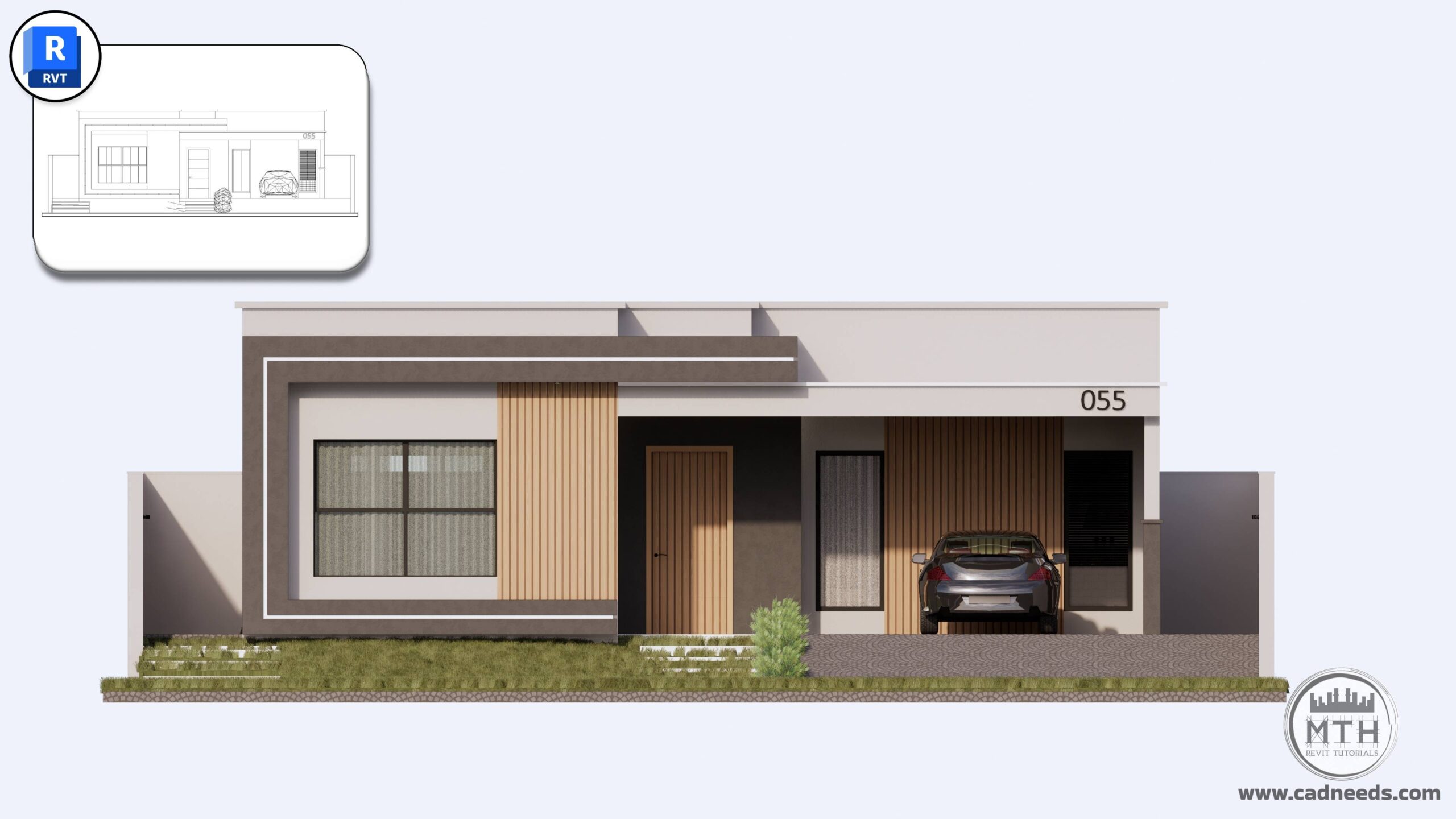
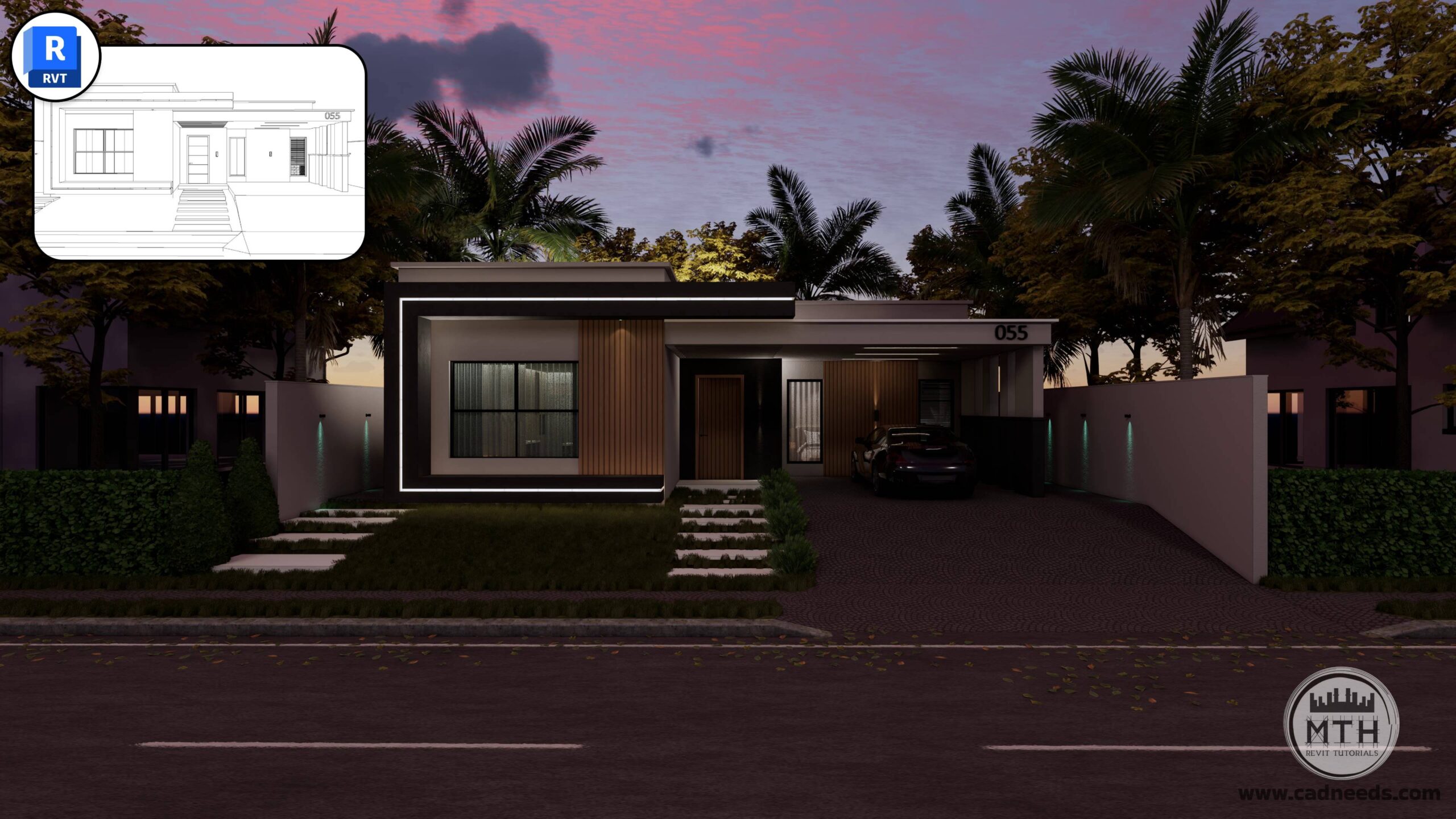
Enscape Advanced Rendering
Create beautiful, realistic renderings with a complete step-by-step learning path.
46 Lessons | 3 Hours
You Will Learn
How to set up, light, and render professional-quality images
How to create clean, photorealistic scenes—even if you’re a beginner
Professional Rendering Workflows in Revit Using Enscape
Generating Interactive 360-Degree Architectural Renders
Animating your Designs with Enscape for Revit
Controlling Sound and Audio in Enscape Animations
Enhance Enscape Render Settings for Top-Quality Results
Render images with a realistic presentation using Enscape
Please note that this course focuses exclusively on the rendering, animation, and visualization process within Enscape.
Revit modeling is not taught in this course.
A pre-built Revit model is provided in the course resources so you can follow along and start rendering immediately.
What I will learn?
- Professional Rendering Workflows in Revit Using Enscape
- Generating Interactive 360-Degree Architectural Renders
- Animating your Designs with Enscape for Revit
- Controlling Sound and Audio in Enscape Animations
- Enhance Enscape Render Settings for Top-Quality Results
- Render images with a realistic presentation using Enscape
Course Curriculum
Basics Module 1: Software Setup and Interface
01 Enscape Installation: Seamless Revit Plugin Integration
01:0202 Enscape Ribbon in Revit Overview
03:2503 Exploring Enscape Window Interface
02:0204 Visual Settings and Rendering Basics
11:3105: Exploring Tools in Enscape – Window & Watermark Tips and Tricks
04:02
Basics Module 2: Camera and Rendering Fundamentals
06 Camera Setup and Rendering Techniques
07:13
Basics Module 3: Asset Management and Placement
07 Asset Placement: Single and Multiple Asset Strategies
05:4808 Adjustable Assets: Customizing and Positioning Elements
02:02
Basics Module 4: Environment and Context
09 Importing Site Context
02:51
Basics Module 5: Video Editor
10 Video Editor: How to Create Animations & Time Lapse Video
05:2611 Video Editor Features: Focal Point and Field of View
03:09
Basics Module 6: Exporting Renderings
12 Batch Rendering
05:3613 Creating and Managing Panoramas
05:3614 Exporting VR Scenes
00:4815 Exporting Standalone Project Files
03:35
Basics Module 7: More Enscape Features
16: Implementing Audio in Architectural Animations
03:3117: Alternative Asset Placement Method
01:5118: Creating Custom Assets
12:0119: Enscape Asset Linking to Revit Family
03:1420: In-Depth Material Editor Fundamentals Explained
12:29
Advanced Module 1: Mastering Advanced Enscape Workflows.
21: Advanced Section – Course Files Overview
05:25
Advanced Module 2: Techniques for Realistic Textures
22 – Realistic Curtain Textures 01
02:5123 – Realistic Curtain Textures 02
01:4124 – PBR – Realistic Road Texture
05:2025 – Creating Video Screens in Enscape
07:31
Advanced Module 3: Lighting Workflows
26: LED Strip Light TV Unit and Under Cabinets
07:4027: Hidden Ceiling Lights
06:0228: Exterior LED Strip & Customizing LED Color
05:4229: Using IES Light Effects in Enscape
07:49
Advanced Module 4: Audio Files
30: Adding Multiple Sound Source for Rendering Animations
03:39
Advanced Module 5: Setting Camera Views for Rendering
32: Setting Camera Views in Revit
01:4633: Exterior Scene Setup: Camera Composition and Visual Settings
04:2534: Six Interior Scenes Setup: Camera and Lighting Presets
08:3735: Creating Camera Views in Small Areas
04:1236: Backyard Scenes Setup: Camera and Lighting Presets
02:5737: Quick Tip about Presets
01:2138: 2D and 3D Floor Plan Rendering
06:4039: 2D Elevation Renderings
02:2640: Exporting Renderings
02:10
Advanced Module 6: Mastering Night Scenes
41: Exterior Night Rendering
09:1142: Interior Night Rendering
08:10
Advanced Module 7: Creating Cinematic Walkthroughs and Interactive Panoramas
42: Mastering Interior-Exterior Animation Workflow
07:4943: Creating Top View Cinematic Animations
01:3744: Publishing Web & Mobile 360° Tours using the Enscape Cloud
06:0845: Finalizing and Exporting Cinematic Videos: Settings & Formats
02:3346: Merging and Editing Multiple Animation Clips
07:14