
2 Course Bundle – Revit Advanced 3DModeling – Enscape Basics to Advanced Course
Material Includes
- Families and Texture used in this course.
- Complete Project File
- 50 Revit Project files For Practice (bonus)
Target Audience
- Students that have basic knowledge in Revit Architecture and the Advanced Revit users who are interested in learning Revit interior rendering hacks
Requirements
- As such basics of Revit Architecture is all what the students required to know
₹2,500.00
₹5,000.00
-
LevelAll Levels
-
Duration20 hours 50 minutes
-
Last UpdatedJuly 5, 2026
-
CertificateCertificate of completion
Hi, Welcome back!
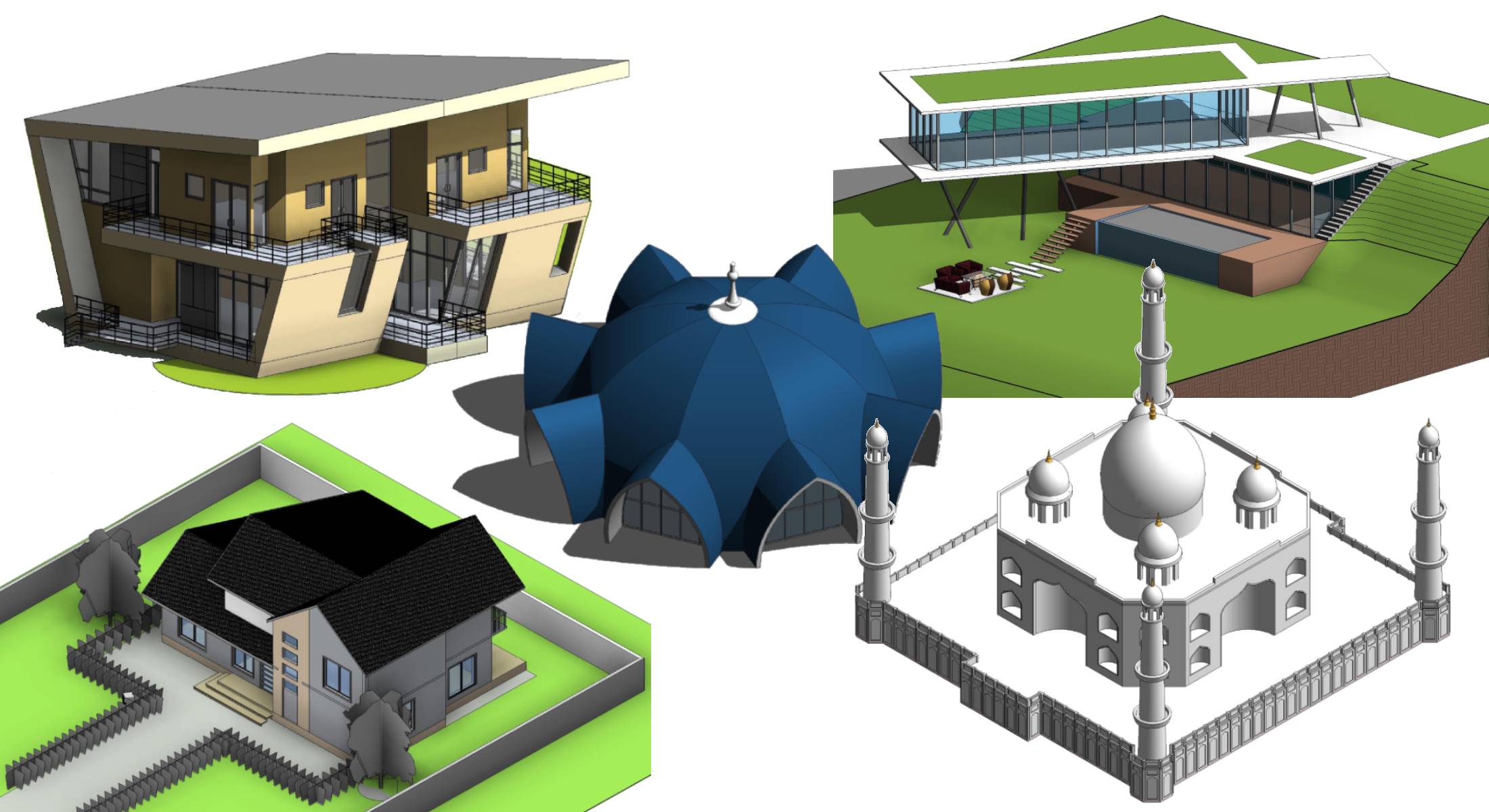
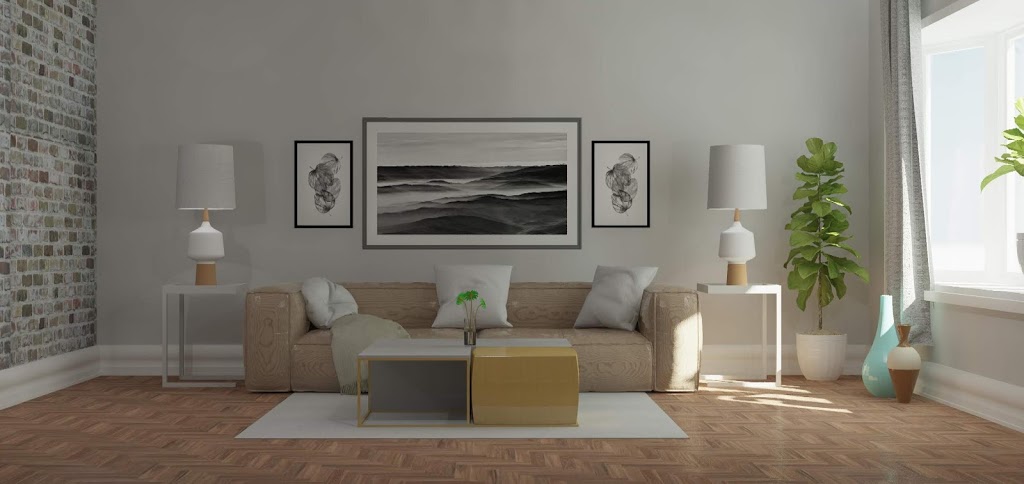
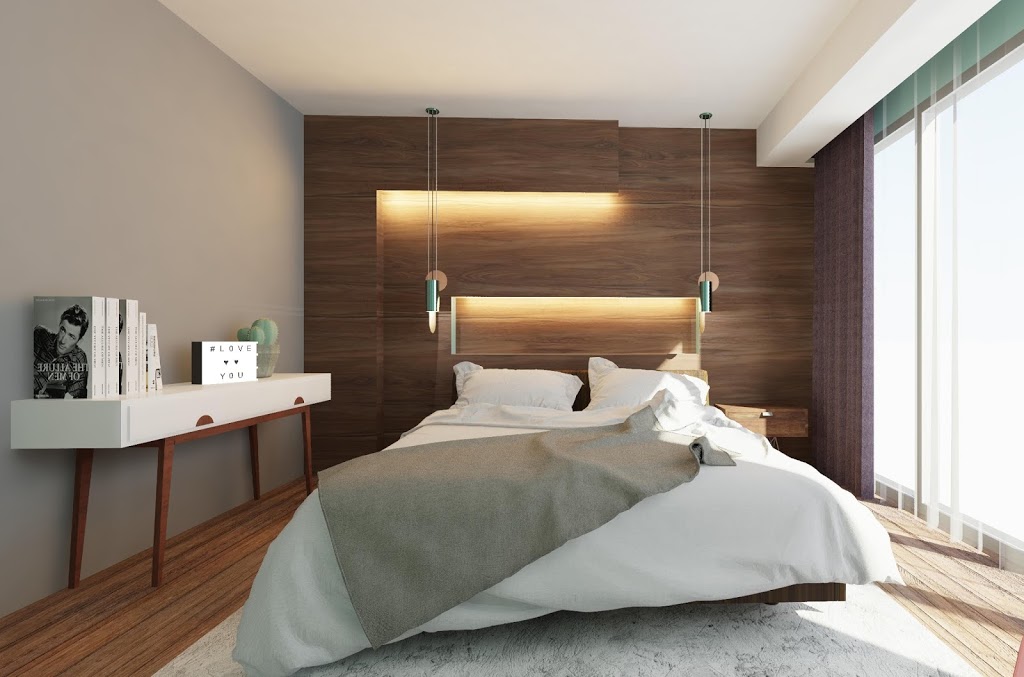
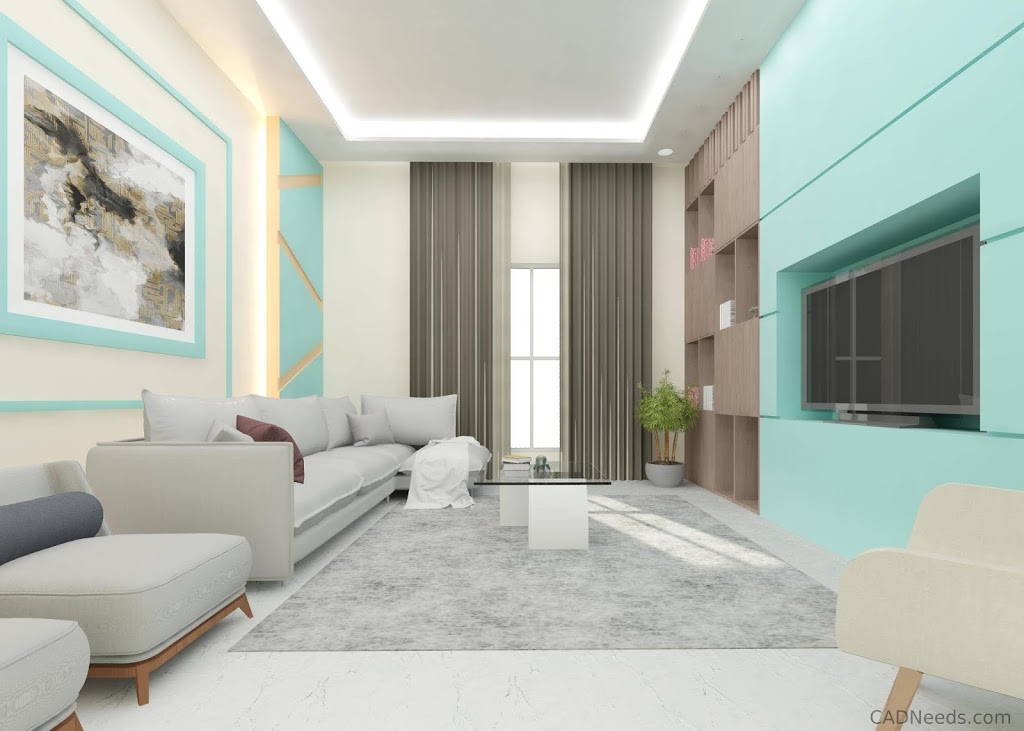
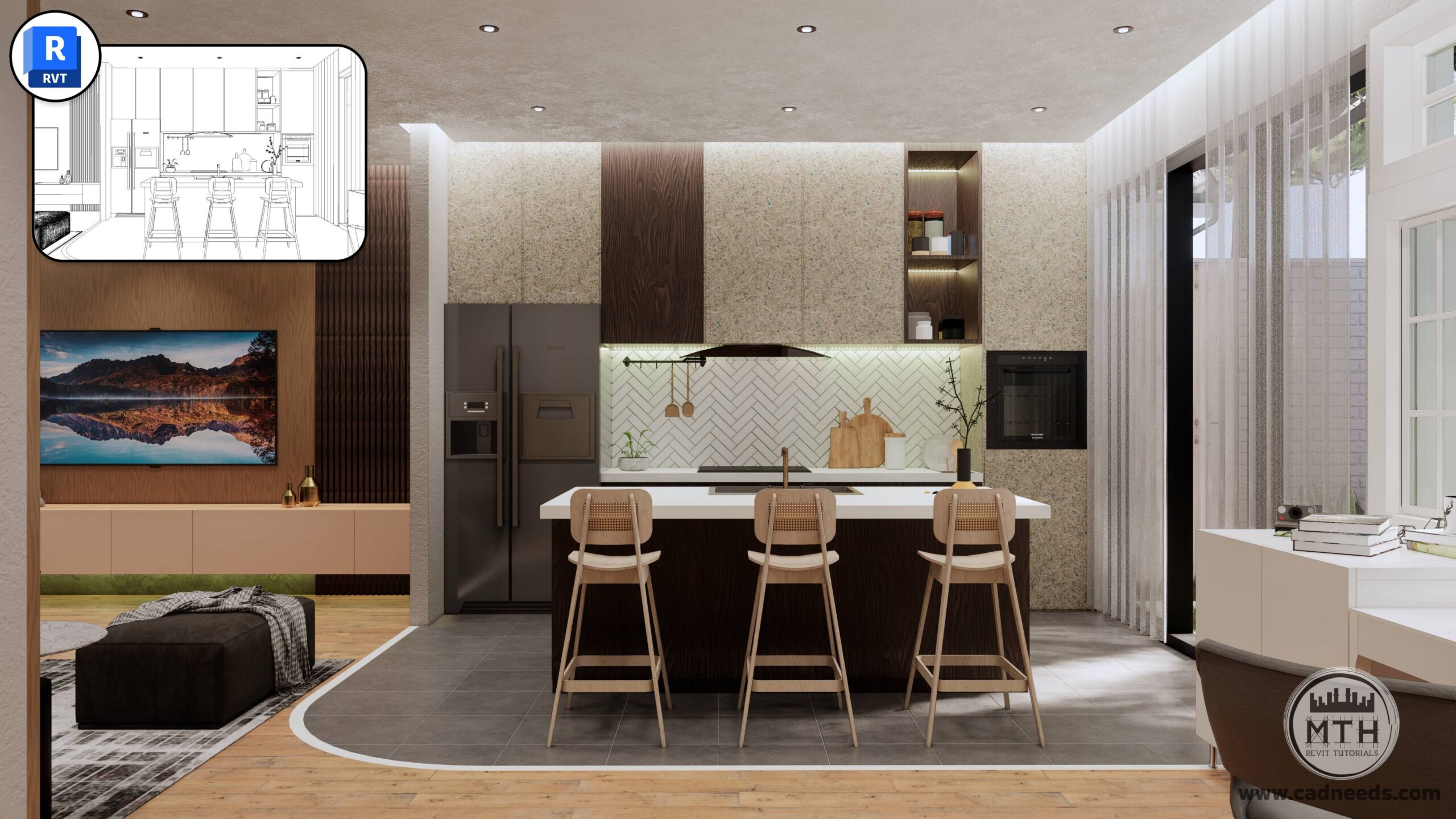
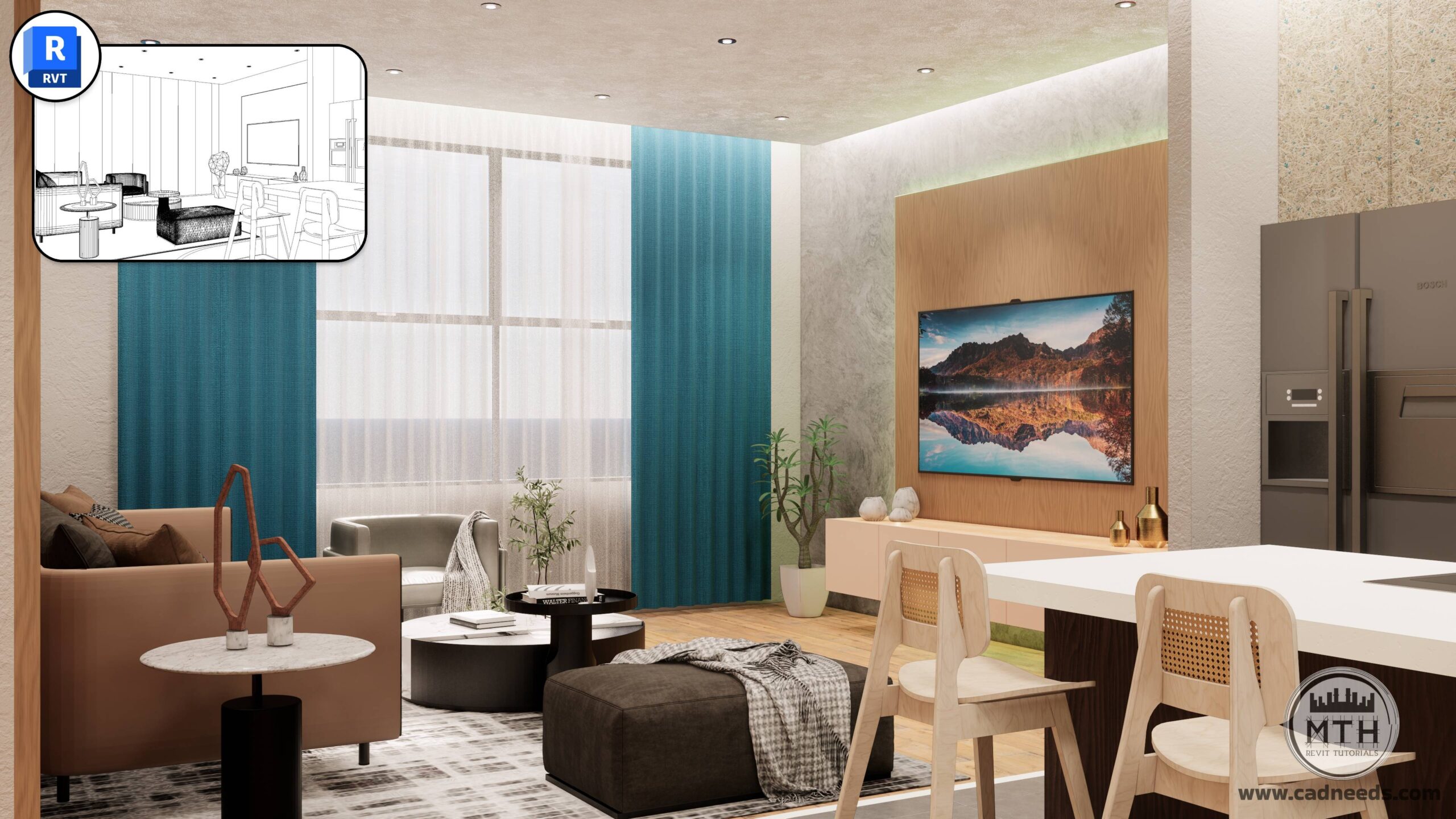
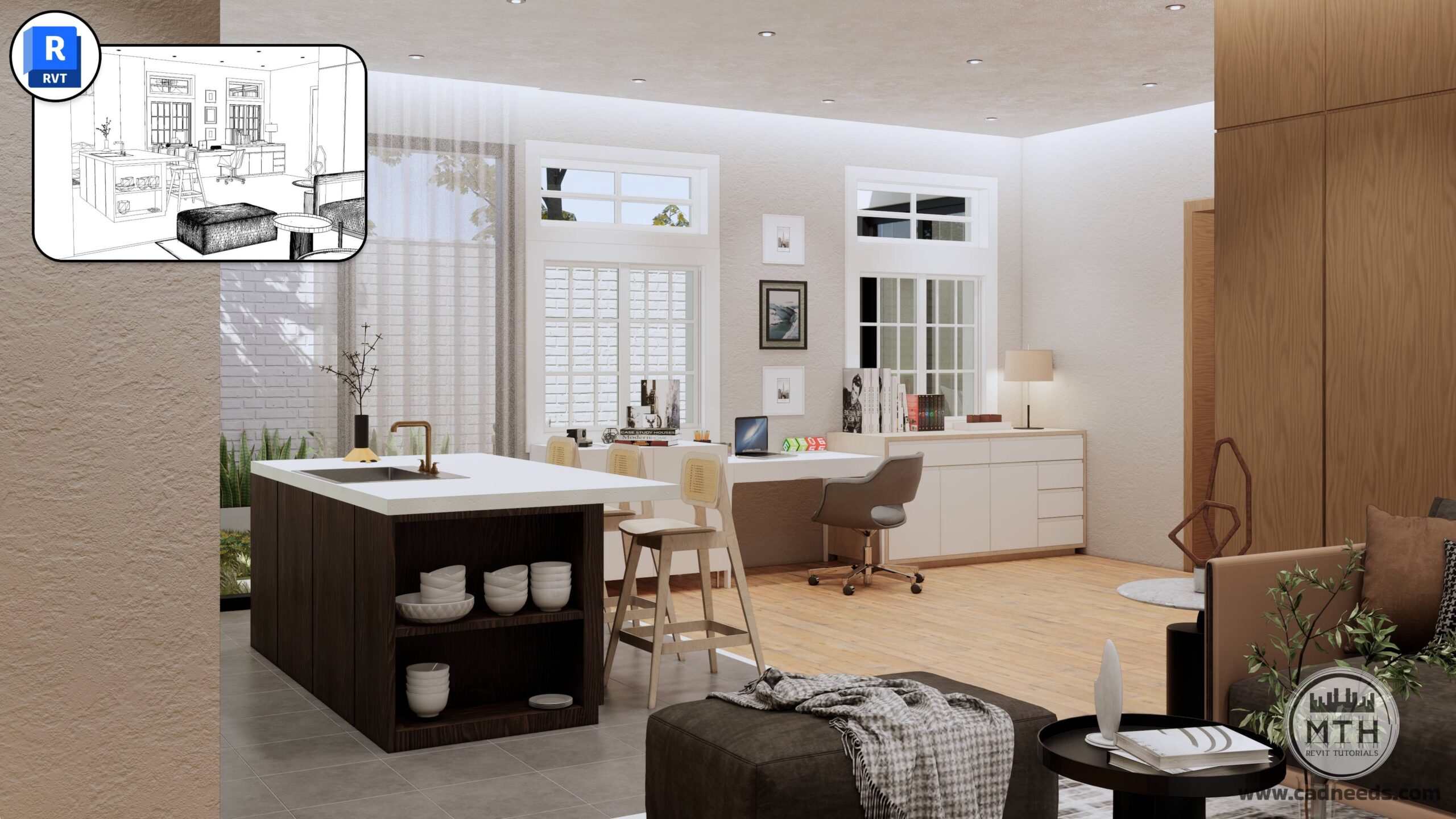
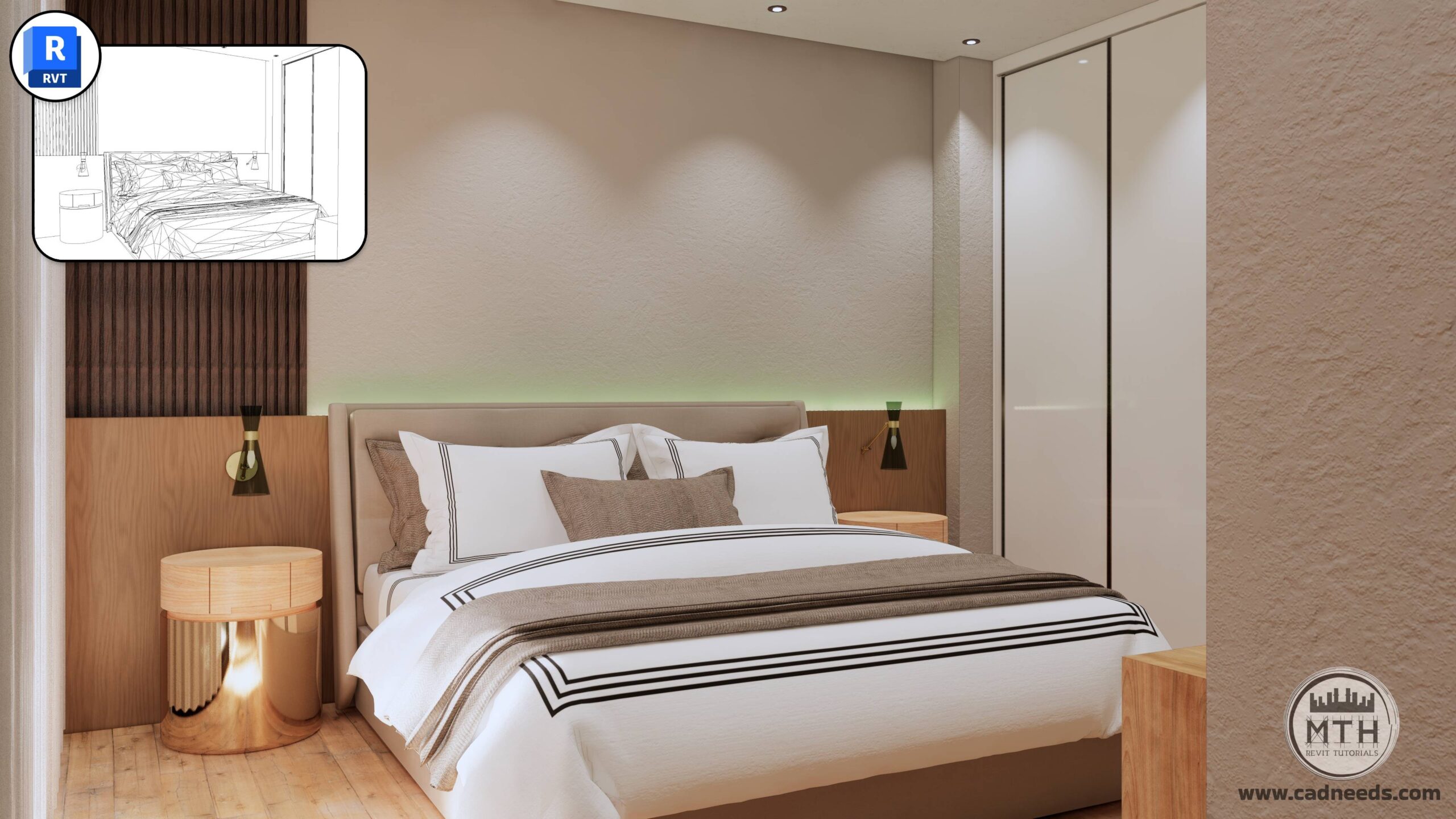
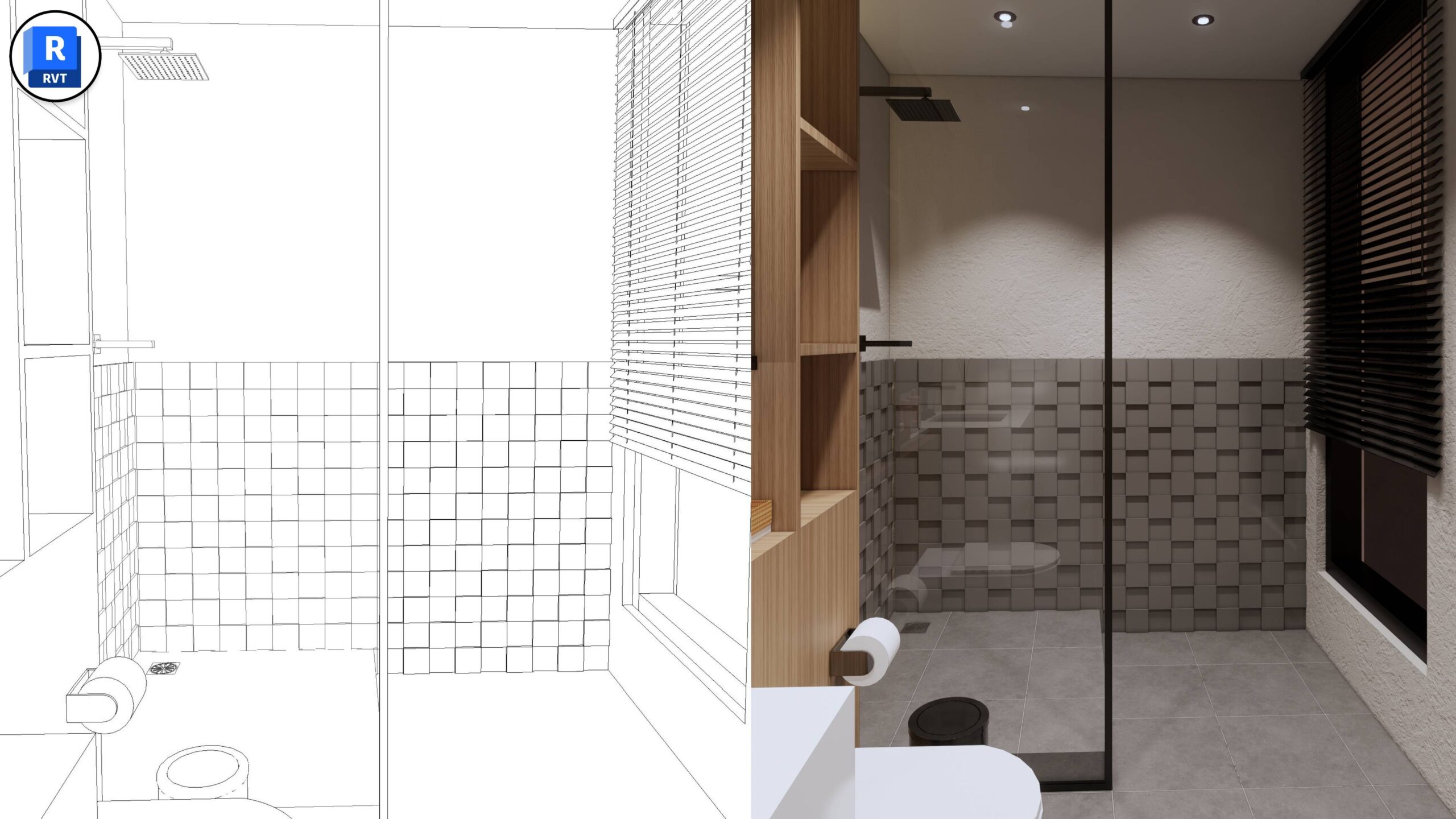
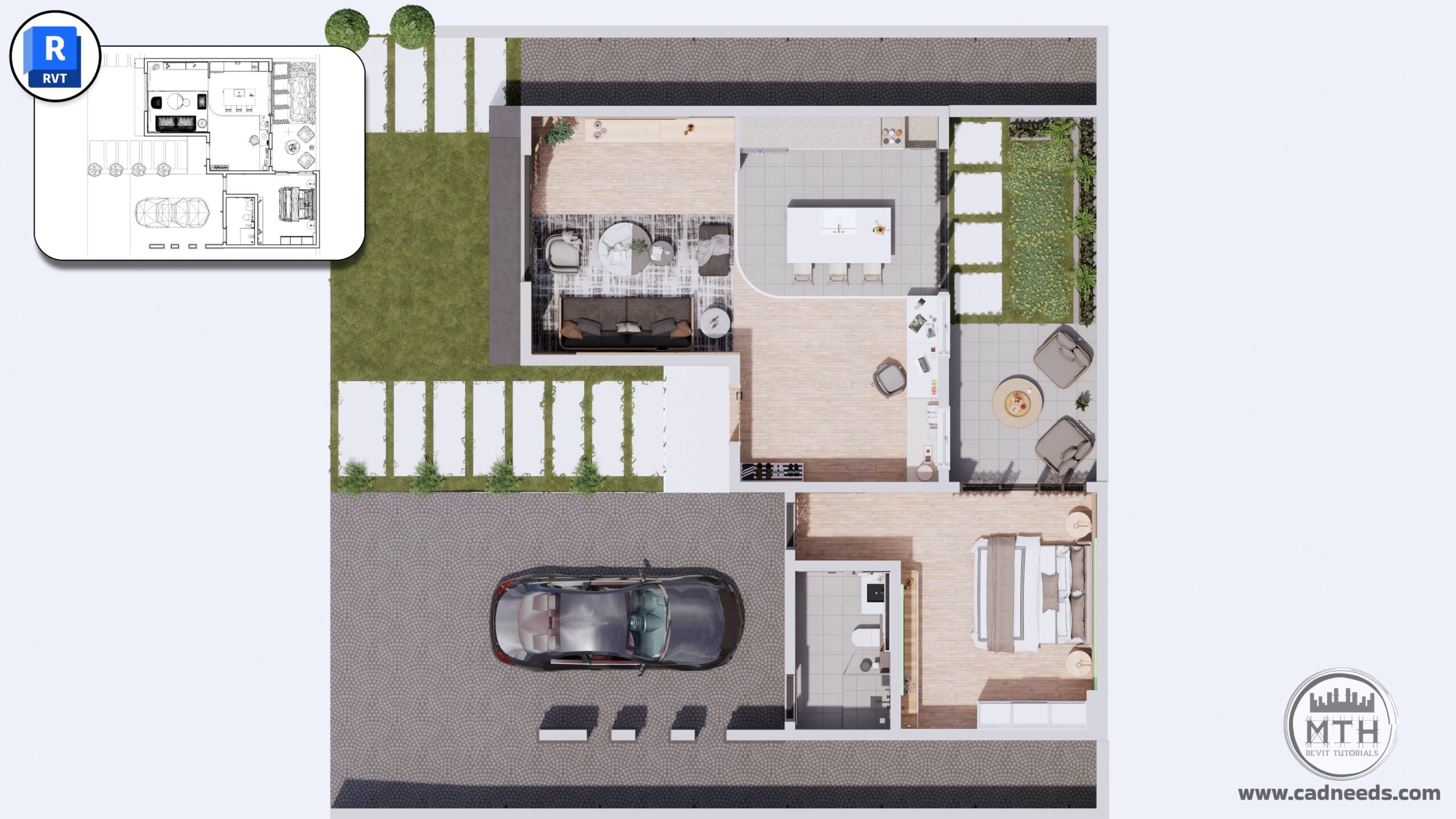
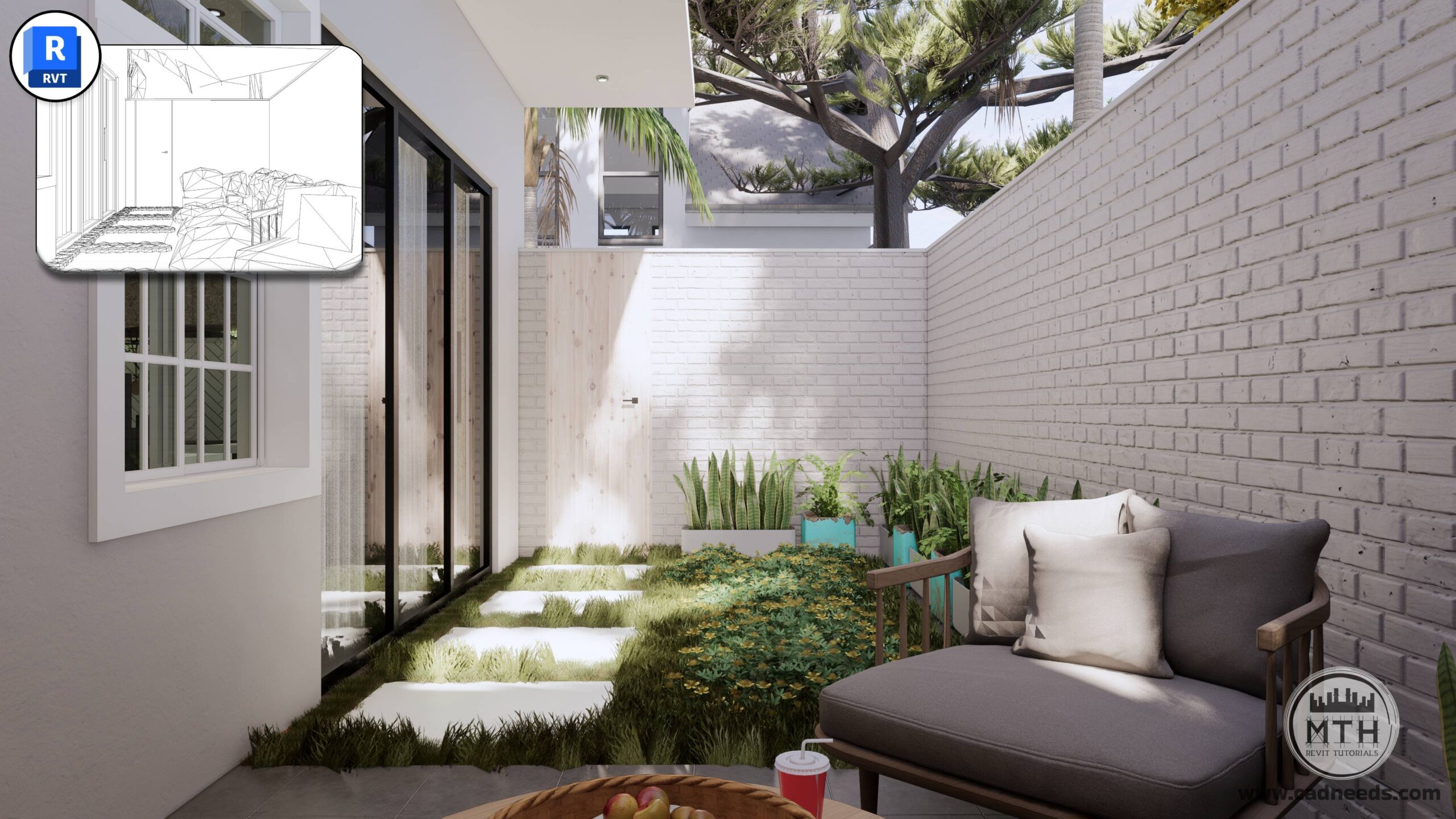
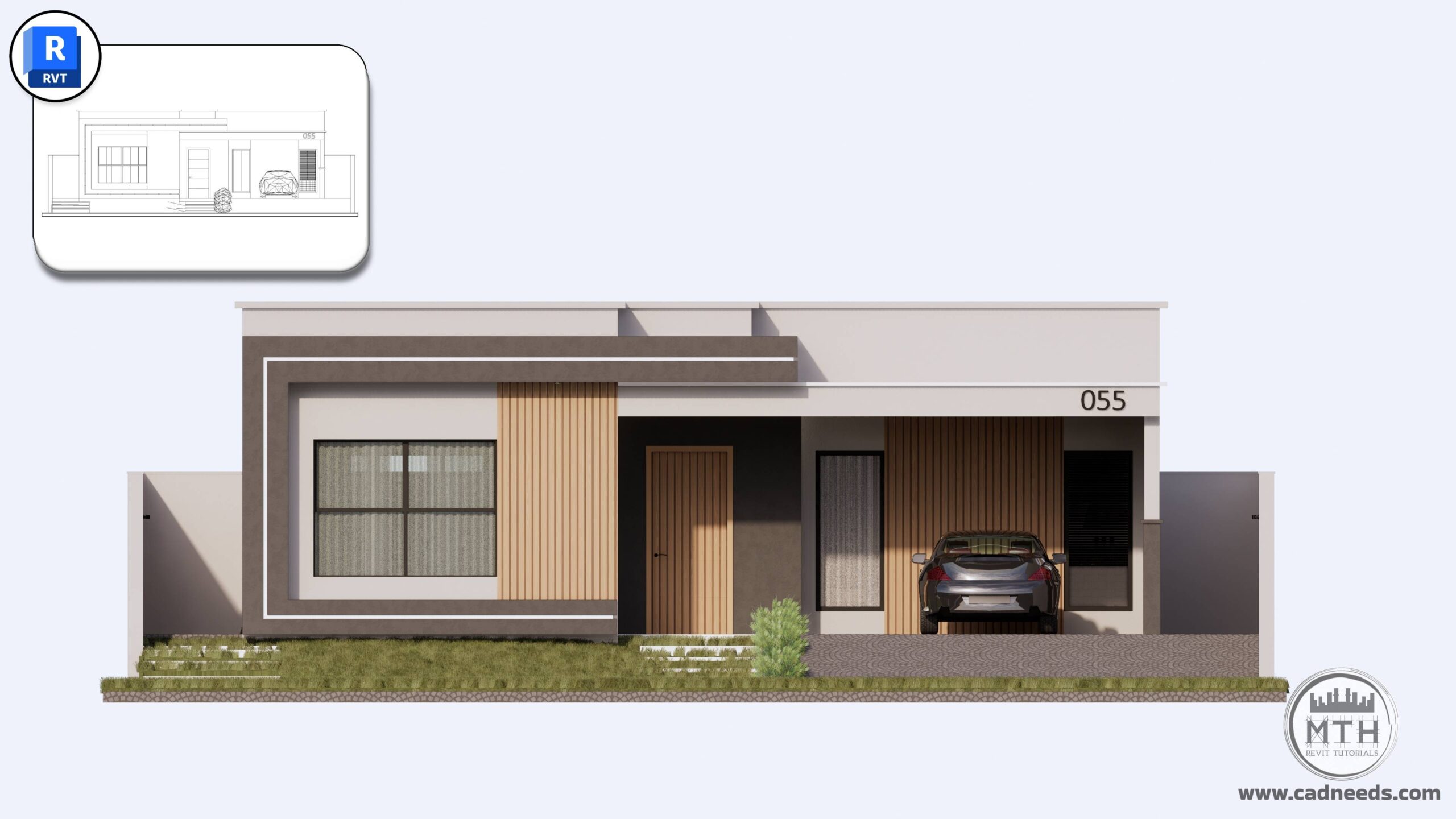
Course Gallery: Examples of Advanced 3D Models You Will Create in Revit



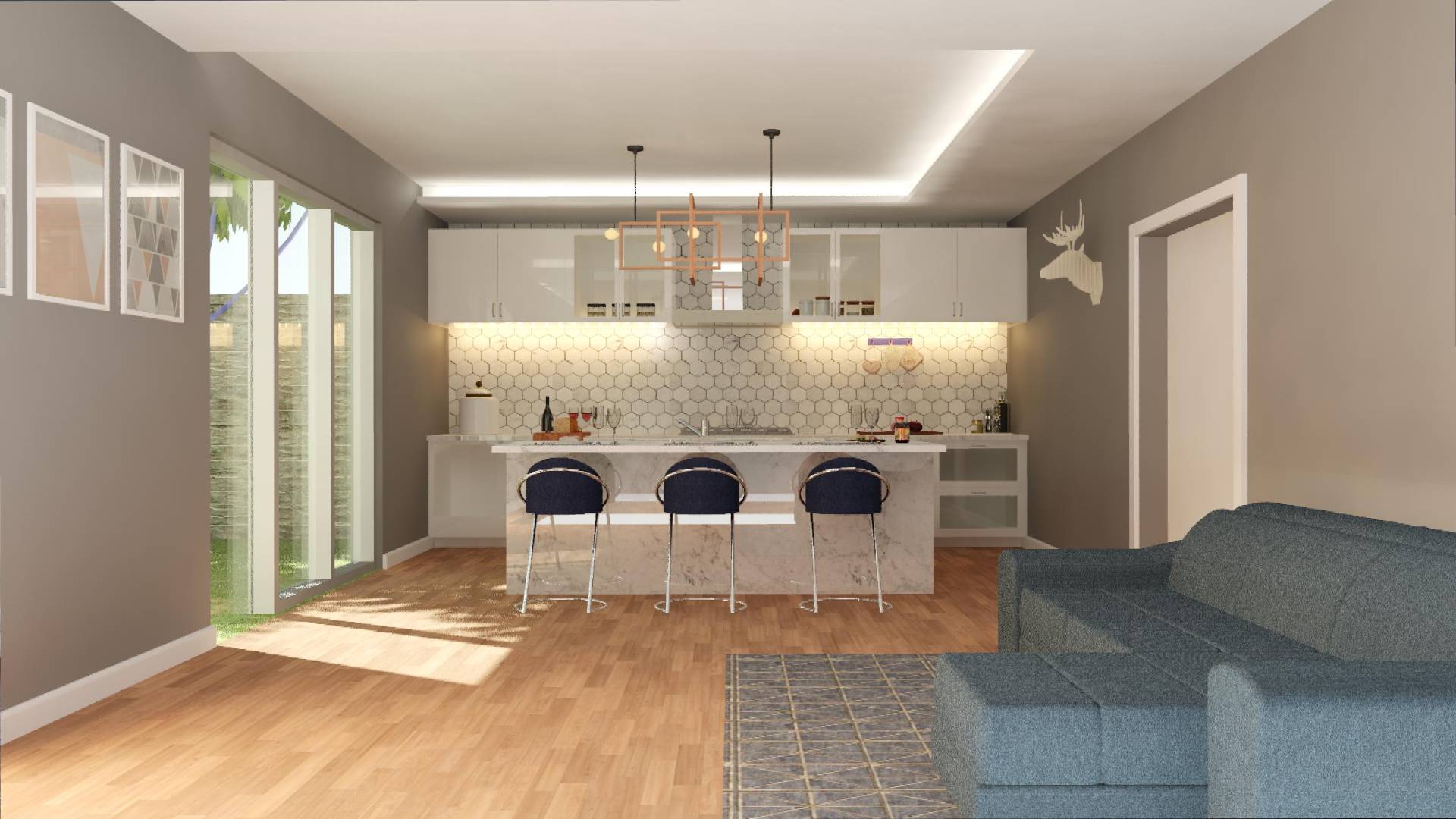
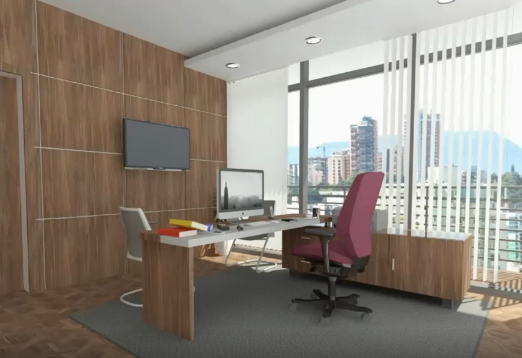

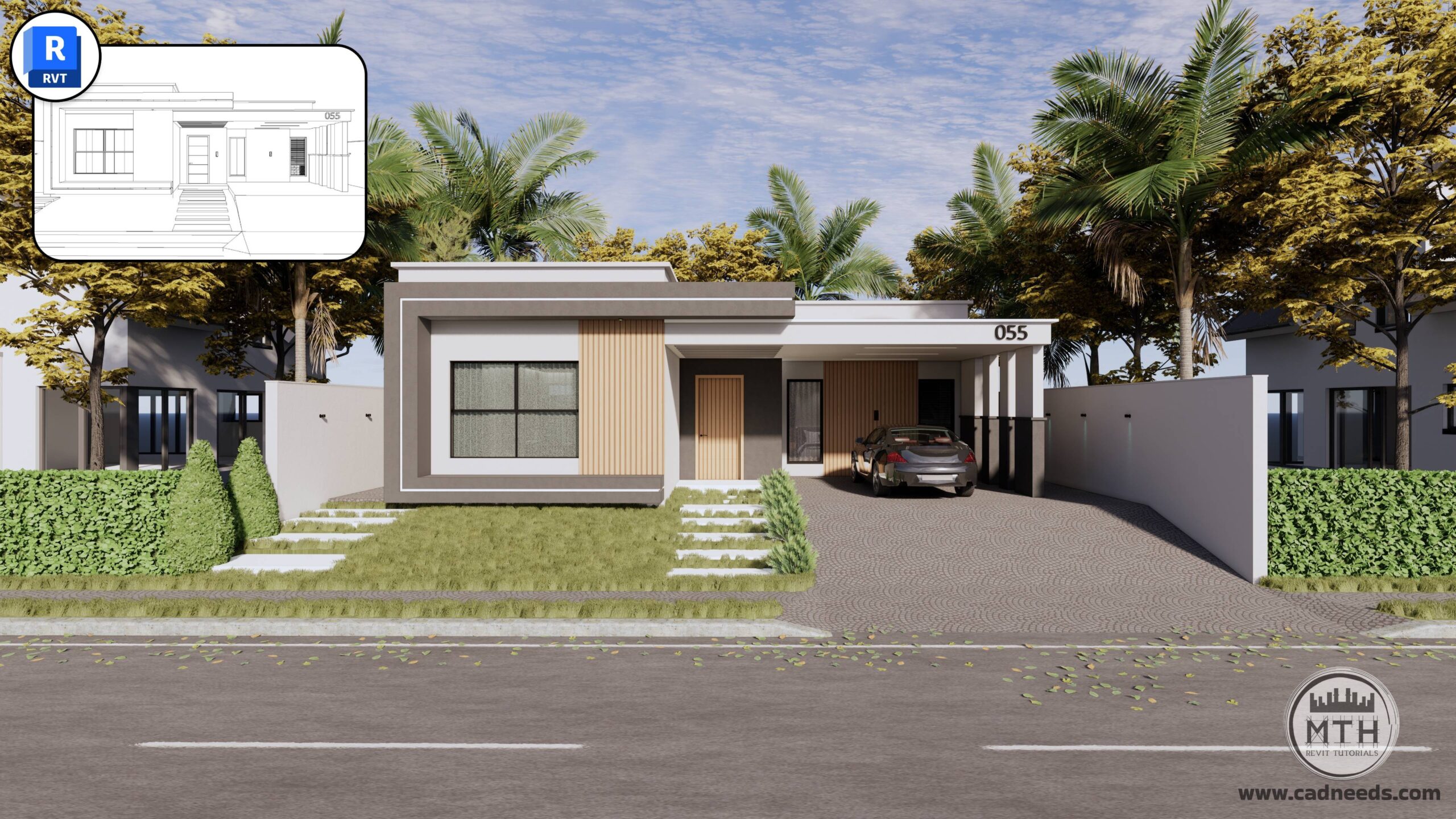
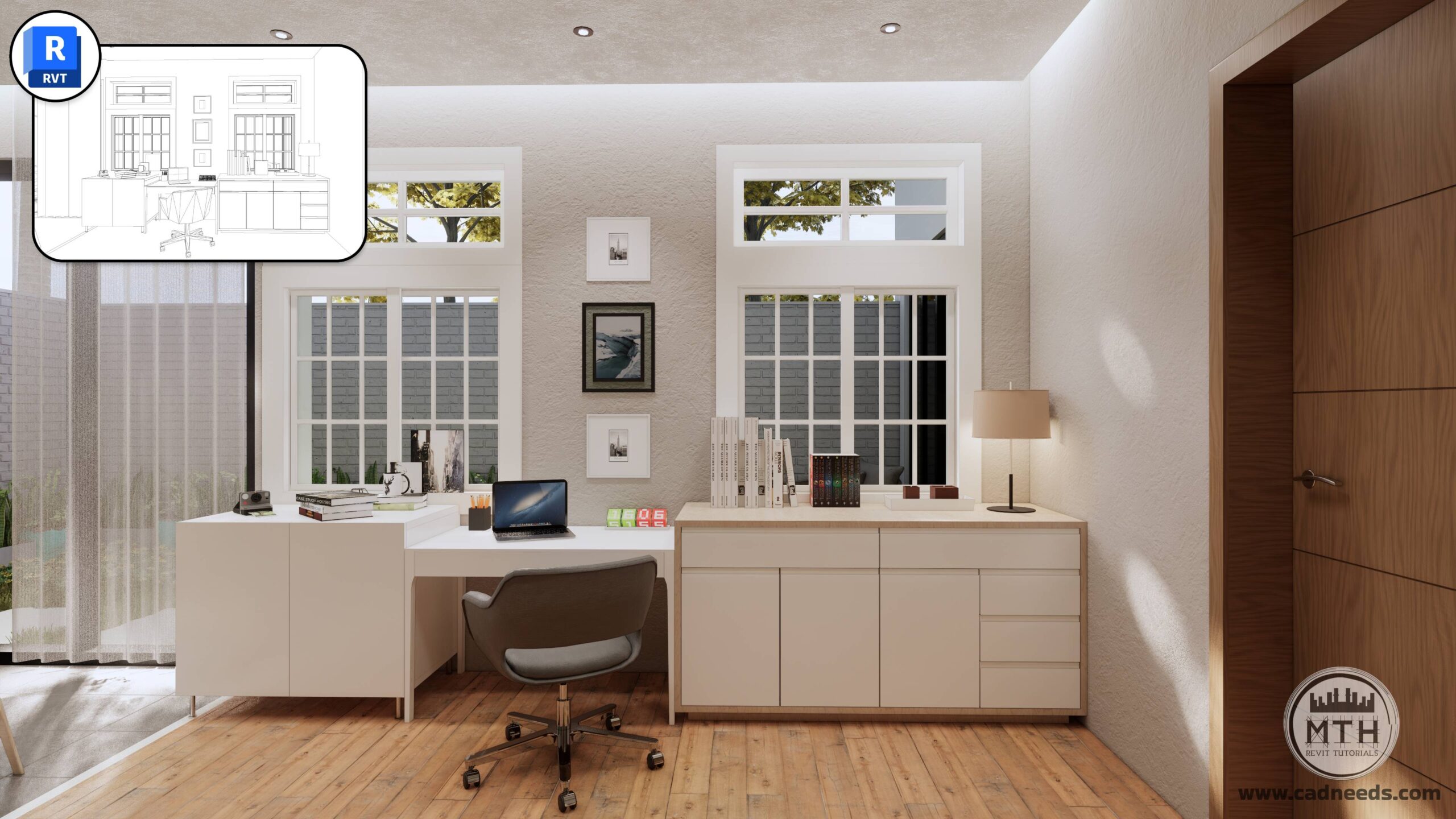
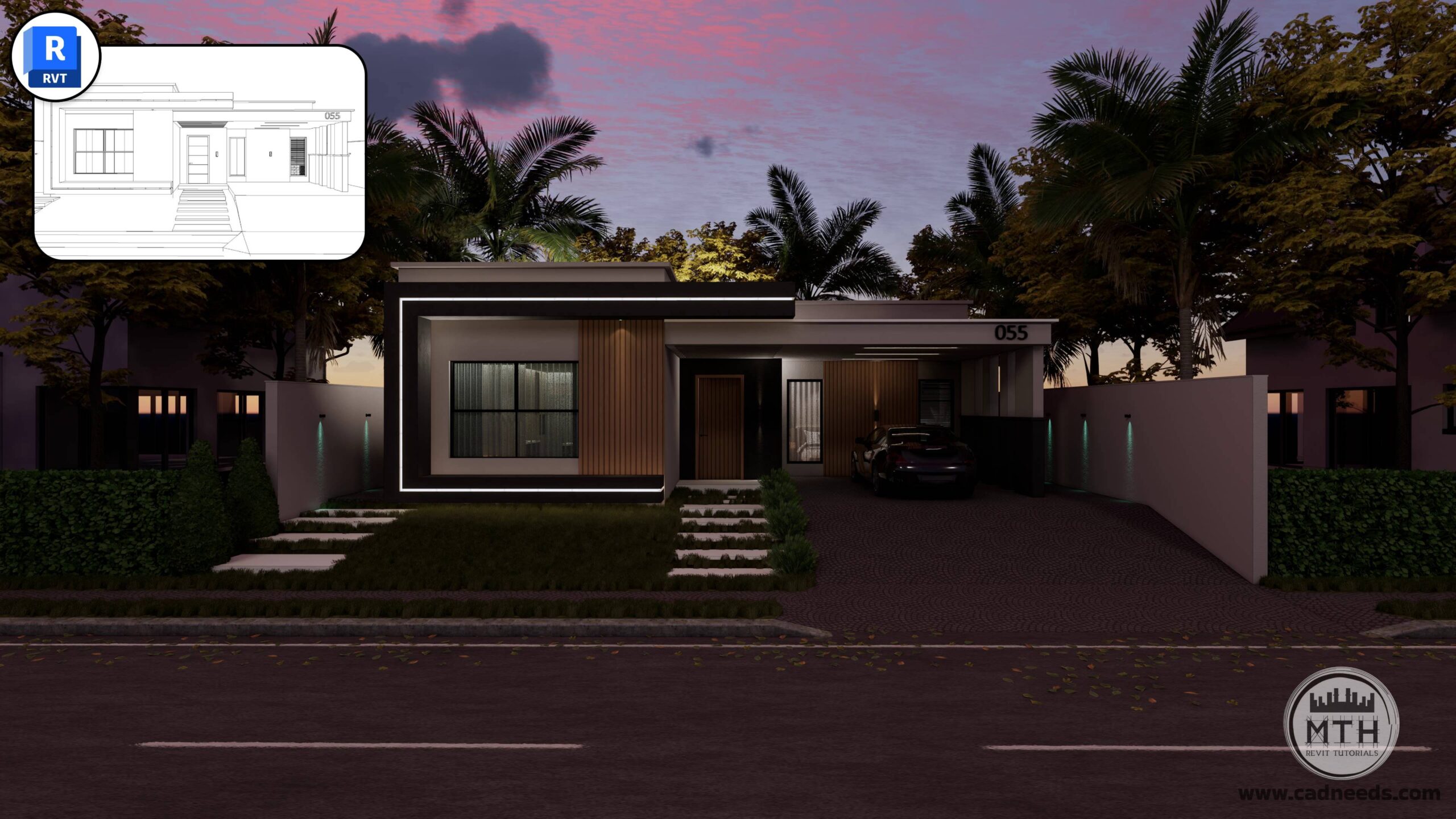
Revit Advanced 3D Modeling
Master the advanced skills needed to design complex geometry, interiors, and exteriors like a pro.
75 Lessons | 18.2 Hours of Expert Training
You Will Learn
Pro-Level Modeling Tricks to speed up your workflow
5 Full Interior Projects (Living Rooms, Kitchen, Bedroom, Office)
10 Exterior Projects to build complete
28 Revit Tips/Hacks
Enscape Advanced Rendering
Create beautiful, realistic renderings with a complete step-by-step learning path.
46 Lessons | 3 Hours
You Will Learn
How to set up, light, and render professional-quality images
How to create clean, photorealistic scenes—even if you’re a beginner
Professional Rendering Workflows in Revit Using Enscape
Generating Interactive 360-Degree Architectural Renders
Animating your Designs with Enscape for Revit
Controlling Sound and Audio in Enscape Animations
Enhance Enscape Render Settings for Top-Quality Results
Render images with a realistic presentation using Enscape
Important Note
Both courses use A different project files to keep learning organized.
This bundle exists to give you the best price when purchasing both courses together.
About Instructor

I created www.learnrevitonline.com to share my knowledge with both beginner and advanced Revit and Enscape3D users. Throughout my journey, I have discovered numerous hacks and tricks that have significantly enhanced my workflow in Revit, and I am eager to pass them on to you. By implementing these tips and tricks, you will not only improve your efficiency but also save valuable time.
I also manage a YouTube channel called MTH REVIT TUTORIALS, where I regularly upload free Revit tutorials, providing further opportunities for individuals to enhance their skills and expand their understanding of this powerful software.
What I will learn?
- Students will learn tips and tricks to create Complex 3D models in Revit.
- Students will learn to create 5 interior scenes( 2 Living Area, 1 kitchen, 1 Bedroom, 1 Office)
- Students will learn to model 10 Exterior projects.
- 28 Revit Hacks to Improve Your Revit Workflow and Build Models Faster
- Professional Rendering Workflows in Revit Using Enscape
- Animating your Designs with Enscape for Revit
- Enhance Enscape Render Settings for Top-Quality Results
- Generating Interactive 360-Degree Architectural Renders
Module #1 | Learn Revit Interior Rendering Hacks
-
Modeling Basic Room/Office
05:15 -
Wall Panels
06:05 -
Modeling Main Desk
17:10 -
Modeling Carpet
03:13 -
Importing Components
11:45 -
Applying Materials
19:54 -
Editing and Placing Ceiling Lights
03:29 -
Creating Camera View and Default Revit Rendering
13:04 -
Hacks to Improve Interior Revit Rendering in Revit
07:01
Module #1 | Section 2 | Modeling and Rendering Living Area
-
Modeling and Rendering Living Area
55:35
Module #2 | Section 1 | Modeling and Rendering Living Area
-
Adding Textures Folder
02:31 -
Creating Walls And Floor
10:56 -
Creating Windows Storefront
11:41 -
Modeling Bookshelves And TV Shelve
16:27 -
Wall 2 Decoration
06:55 -
Placing Components
08:10 -
Creating Ceiling
08:02 -
Camera Techniques And Sun Setting
00:00 -
Modeling Carpet
02:41 -
Creating Hidden Lights And Test And Final Rendering
23:49
Module #2 | Section 2 | Modeling and Rendering Kitchen
-
Placing Cabinets
08:51 -
Modeling Countertops
06:32 -
Placing Kitchen Components
06:47 -
Kitchen Ceiling, Ceiling Lights And Camera
17:00 -
Tests And Final Rendering
19:28
Module #2 | Section 3 | Modeling and Rendering Bedroom
-
Walls Decoration And Hidden Lights
15:32 -
Tests And Final Rendering
08:44
Module #3 | Section 1 | Modeling Gorki House
-
Modeling Gorki House Part 1
17:43 -
Modeling Gorki House Part 2
24:23 -
Modeling Gorki House Part 3
28:27 -
Modeling Gorki House Part 4
22:36 -
Gorki House Enscape Rendering
17:26
Module #3 | Section 2 | Mountain House (Sketch to 3D Modeling)
-
Sketch to 3D Modeling | Project 1
24:05 -
Sketch to 3D | Project 1 | Enscape Rendering
28:14
Module #3 | Section 3 | Modeling Domed Mosque
-
Modeling Blue Domed Mosque
25:43
Module #3 | Section 4 | Modeling Taj Mahal
-
Modeling Taj Mahal Part 1
18:31 -
Modeling Taj Mahal Part 2
20:06 -
Modeling Taj Mahal Part 3
21:13
Module #3 | Section 5 | Modeling Residential House
-
Modeling Residential House Part 1
20:21 -
Modeling Residential House Part 2
35:48 -
Modeling Residential House Part 3
20:47
Module #4 | Section 1 | Modeling Mountain House
-
Modeling Mountain House Part 1
13:46 -
Modeling Mountain House Part 2
22:25 -
Modeling Mountain House Part 3
18:27
Module #4 | Section 2 | Sketch to 3D Project 2 (Massing Techniques)
-
Modern Building 1
22:01
Module #4 | Section 3 | Sketch to 3D Project 3
-
Sketch to 3D | Project 3 | Part 1
16:14 -
Sketch to 3D | Project 3 | Part 2 (Applying Materials)
25:04
Module #4 | Section 4 | Sketch to 3D Project 4
-
Sketch to 3D Project 4
23:53
Module #4 | Section 5 | Sketch to 3D Project 5
-
Sketch to 3D | Skyscraper Part 1
24:14 -
Sketch to 3D | Skyscraper Part 2
19:22 -
Sketch to 3D | Skyscraper Part 3
18:24
Module #5 | 28 Revit hacks/tips
-
Quick Way Create Multiple Levels in Revit
02:41 -
Creating Base and Crown Molding
16:05 -
Creating Curbs Using Texture Image
17:34 -
How to Create Sidewalks and Curbs on Topo Surface
17:34 -
How to Create Custom Shaped Mullions
09:16 -
Modeling Classical Corner Elements (Quoin detail)
14:00 -
How to Model Classical Wall Panels
15:54 -
Copy Materials from One Project to Another
03:07 -
Perfect way to Create Hidden Ceiling Lights
16:02 -
Place Text on Curved Wall
11:13 -
Create Stair Over Topo Surface
04:31 -
Easily Create Radial and Elliptical Array
05:34 -
Add a Revolving Door in Curtain Wall
05:25 -
5 Important Tips in One Lecture
10:13 -
Convert 3Ds Max Models to Revit Components With Materials
11:10 -
Create Spanish Roof Tiles
10:57 -
Create Cool Rendering Using Revit+Photoshop
04:04 -
Place Ceiling Based Lights on Roof/Slabs
11:23 -
Creating Concrete and Grass Pattern
12:38 -
Practice #1| Modeling Realistic Curtains
24:10 -
Practice #2|Modeling Twisted Columns
09:24 -
Practice #3| Modeling Domes
13:47 -
Practice #4| Modeling Domes 2
14:49 -
Practice #5| Modeling Ruined Buildings (Part 1)
17:26 -
Practice #6| Modeling Ruined Buildings (Part 2) | Advanced Texturing Techniques
25:08 -
Practice #7| Modeling Ruined Buildings (Part 3)
05:16 -
Practice #8| Modeling Ruined Buildings (Part 4)
15:04
****— Course 2 in Bundle: Enscape Basics to Advanced —****
Below you will find the lessons for the Enscape for Revit Basics to Advanced course.
Basics Module 1: Software Setup and Interface
-
Enscape Installation: Seamless Revit Plugin Integration
01:02 -
Enscape Ribbon in Revit Overview
03:25 -
Exploring Enscape Window Interface
01:50 -
Visual Settings and Rendering Basics
09:02 -
Exploring Tools in Enscape – Window & Watermark Tips and Tricks
04:02
Basics Module 2: Camera and Rendering Fundamentals
-
Camera Setup and Rendering Techniques
06:32
Basics Module 3: Asset Management and Placement
-
Asset Placement: Single and Multiple Asset Strategies
05:48 -
Adjustable Assets: Customizing and Positioning Elements
01:32
Basics Module 4: Environment and Context
-
09 Importing Site Context
02:51
Basics Module 5: Video Editor
-
Video Editor: How to Create Animations & Time Lapse Video
05:03 -
Video Editor Features: Focal Point and Field of View
03:09
Basics Module 6- Exporting Renderings
-
Batch Rendering
02:13 -
Creating and Managing Panoramas
04:39 -
Exporting VR Scenes
00:48 -
Exporting Standalone Project Files
03:07
Basics Module 7- More Enscape Features
-
Implementing Audio in Architectural Animations
02:57 -
Alternative Asset Placement Method
01:28 -
Creating Custom Assets
10:01 -
Enscape Asset Linking to Revit Family
03:14 -
In-Depth Material Editor Fundamentals Explained
10:36
Advanced Module 1: Mastering Advanced Enscape Workflows.
-
Advanced Section – Course Files Overview
05:25
Advanced Module 2: Techniques for Realistic Textures
-
Realistic Curtain Textures 01
02:51 -
Realistic Curtain Textures 02
01:41 -
PBR – Realistic Road Texture
05:20 -
Creating Video Screens in Enscape
07:31
Advanced Module 3: Lighting Workflows
-
LED Strip Light TV Unit and Under Cabinets
07:40 -
Hidden Ceiling Lights
06:02 -
Exterior LED Strip & Customizing LED Color
05:42 -
Using IES Light Effects in Enscape
07:49
Advanced Module 4: Audio Files
-
Adding Multiple Sound Source for Rendering Animations
03:39
Advanced Module 5: Setting Camera Views for Rendering
-
Setting Camera Views in Revit
01:46 -
Exterior Scene Setup Camera Composition and Visual Settings
04:25 -
Six Interior Scenes Setup: Camera and Lighting Presets
08:37 -
Creating Camera Views in Small Areas
04:12 -
Backyard Scenes Setup Camera and Lighting Presets
02:57 -
Quick Tip about Presets
01:21 -
2D and 3D Floor Plan Rendering
06:40 -
2D Elevation Renderings
02:26 -
Exporting Renderings
02:10
Advanced Module 6: Mastering Night Scenes
-
Exterior Night Rendering
09:11 -
Interior Night Rendering
08:10
Advanced Module 7: Creating Cinematic Walkthroughs and Interactive Panoramas
-
Mastering Interior-Exterior Animation Workflow
07:49 -
Creating Top View Cinematic Animations
01:37 -
Publishing Web & Mobile 360 Tours using the Enscape Cloud
06:08 -
Finalizing and Exporting Cinematic Videos. Settings & Formats
02:33 -
Merging and Editing Multiple Animation Clips
07:14